LAND ANYWHERE CONNECTED INSTANTLY
Set it up once in the app. Land somewhere without data, and Atli buys your plan, at a discount.

THREE STEPS, ONE OF THEM YOURS
You decide what to buy before the trip. Atli does the rest when you arrive.
- Before you fly1
Set it once
In the app, pick unlimited or a set amount of data, the least each plan should give, a card and the eSIM to use.
- When you land2
We notice you've arrived
Your carrier tells us when your eSIM connects in a country where it has no data.

- Moments later3
Your plan is ready
Atli buys the best-value plan that fits your settings, charges your card and lets you know.

YOU SET THE RULES ATLI FOLLOWS THEM
Setup takes a minute, and you can change it any time.
Unlimited or set data
Unlimited data for a number of days, or a set amount of data.
The least you need
Minimum days for unlimited, or minimum GB. Atli never buys less.
The eSIM to connect
One you already have, or a new one set up with Atli Connect.
A spending limit
Optional: the most one plan may cost. Plans over it are never bought.
Countries to skip
Home, and places you only pass through. Your home country is added for you.
The card to charge
A saved card, or whichever card is your default when the plan is bought.
THREE CHECKS EVERY TIME
Atli Connect only buys when it should. One arrival never buys twice.
Your eSIM connects in a new country
- 1 / 3
Does it already have data here?
No data here
Yes: nothing is bought
- 2 / 3
Is this a country you skip?
Not skipped
Yes: nothing is bought
- 3 / 3
Does a plan fit your minimums and limit?
A plan fits
No: nothing is bought, and we tell you
Atli buys the plan and lets you know
A local plan first, then a regional or global one: the cheapest that fits.
When the plan runs out
Once its data is used up or its days are over, the eSIM has no data again. The next time it connects, the same three checks run, and Atli Connect buys another plan if you're still there.
PAUSE IT, CHANGE IT, STOP IT
Atli Connect only runs while you want it to.
Pause
For a day, a week, a month or until a date you pick. Resume whenever you like.
Edit
Change the plan type, minimums, limit, card or countries at any time.
Turn off
One switch in the app. Nothing more is bought until you turn it on again.
Payment trouble
If your card is declined, nothing is bought and Atli Connect stops until you sort it out.

TURN IT ON IN THE ATLI APP
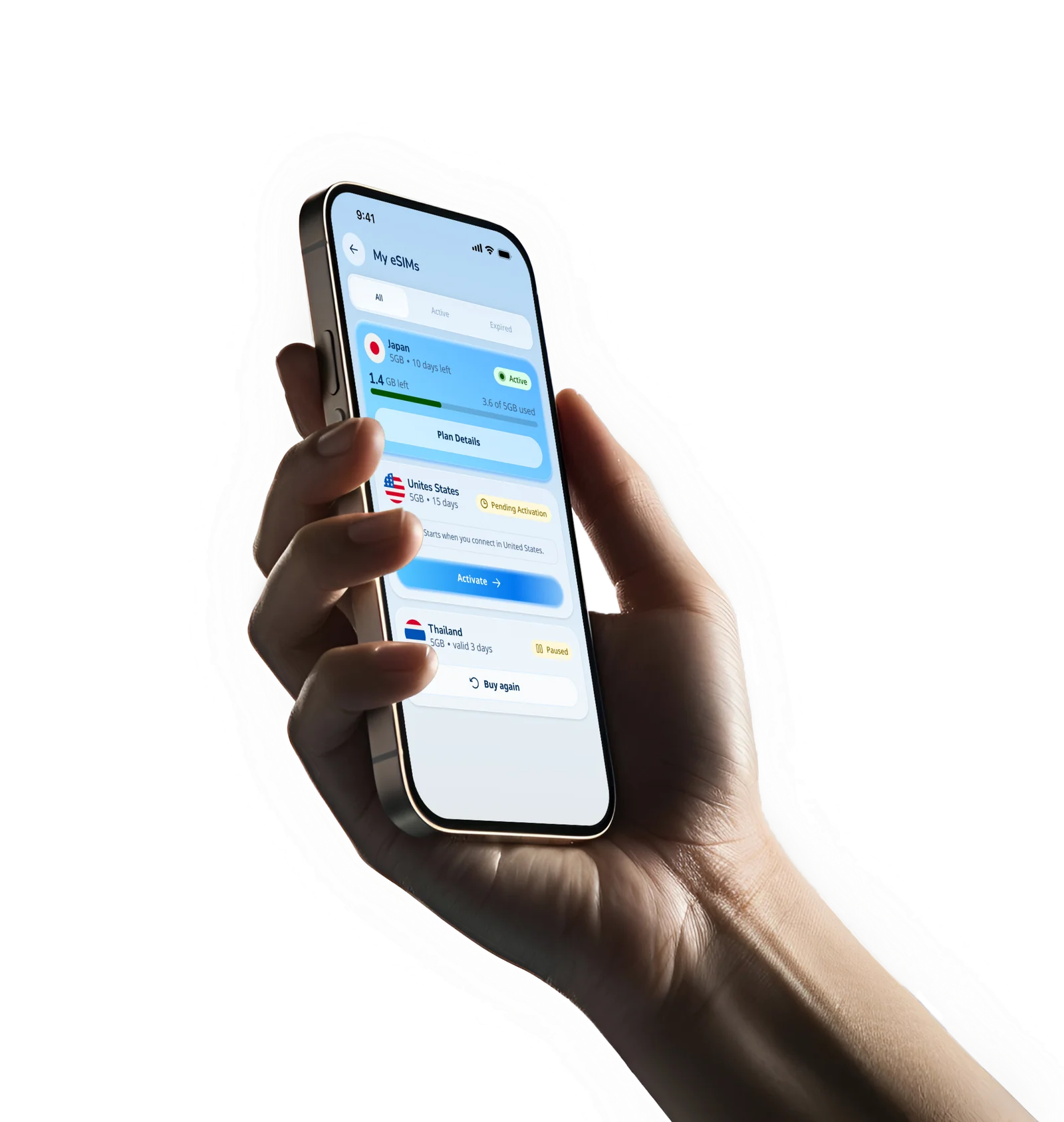
Atli Connect lives in the Atli app for iPhone and Android. Sign in, open Atli Connect and set it up before your trip.
ATLI CONNECT QUESTIONS
What is Atli Connect?
A feature of the Atli app that buys a travel data plan for you when your eSIM arrives somewhere without data. You choose what it buys and where, once, and it does the buying on arrival.
How does Atli know I've landed?
Your eSIM's carrier tells us when it connects to a network in a country. If the eSIM has no usable data there, Atli Connect checks your settings and buys a plan. You don't need to open the app.
Which plan does it buy?
The cheapest plan that meets your minimums (days for unlimited, GB for set data) and your spending limit. It looks for a local plan first, then a regional one, then a global one.
How much will I pay?
The plan's price for that country, minus the Atli Connect discount. If you set a spending limit, no plan over it is bought. Before turning it on, use What if? in the app to see the plan and price for any country.
How big is the discount?
It depends on the plan type, and the app shows the current discount for unlimited and set-data plans on the Atli Connect screen. It applies to every plan Atli Connect buys.
Do I need a new eSIM?
No. Use an eSIM you already have from Atli, or ask for a new one during setup. A new eSIM comes with a little data to get started; if it costs anything, the app says so, and the same amount comes off your first Atli Connect plan.
What if my eSIM already has data where I land?
Then nothing is bought. Atli Connect only buys when the eSIM has no plan for that country, or the one it has is almost used up.
What happens when the plan runs out?
When its data is used up or its days are over, the eSIM is back to having no data. The next time it connects, Atli Connect runs the same checks and, if a plan still fits your settings, buys another one. Pause it or turn it off before you head home if you don't want that.
What about layovers and countries I pass through?
Add them to Never buy in, and Atli Connect skips them. Your home country is on that list from the start.
Can it buy more than I want to spend?
Not with a spending limit set: each plan costs at most that much. One arrival buys one plan, never two.
Can I pause it or turn it off?
Yes, in the app, any time. Pause it for a day, a week, a month or until a date you choose, or turn it off completely.
What if my card is declined?
Nothing is bought, we let you know, and Atli Connect stops until you update your card and turn it back on. A card that asks for a security check on every payment can't be used, because Atli charges it while you travel.
Can I get a refund on a plan it bought?
Plans bought by Atli Connect can't be refunded, the same as when you agree to it in the app; any exception follows our Terms of Service. That is why your minimums, limit and countries matter: Atli only buys what they allow.
Will I know when it buys something?
Yes. You get a notification when a plan is bought, and a receipt by email. If no plan fits your settings, we tell you that too.
Does my phone need anything special?
It must support eSIM and be carrier-unlocked. To check, dial *#06#: if an EID appears, your phone takes eSIM. Make sure the eSIM is installed before you travel.