WhatsApp has two ways to share where you are: a static pin showing a fixed point on a map, and Live Location that updates your position in real time for a set amount of time. Both are inside WhatsApp, send to anyone in your contact list, and work without any third-party app. For travellers, and for solo ones in particular, they are genuinely useful.
Dropping a pin
A pin shares your current location as a static point on a map. It does not update.
To send a pin:
- Open a chat.
- Tap the paperclip icon (Android) or the plus icon (iPhone).
- Tap Location.
- Choose Send Your Current Location.
The recipient sees a map with your position marked. They can tap it to open the location in their maps app and get directions. The pin does not expire and stays in the chat history.
Use a pin to share a restaurant address, a hotel, a meeting point, or anywhere that is fixed and you want the other person to navigate to.
Live Location
Live Location shares your real-time position, updating as you move, for a period you choose: 15 minutes, 1 hour or 8 hours.
To share Live Location:
- Open a chat.
- Tap the paperclip icon (Android) or the plus icon (iPhone).
- Tap Location.
- Choose Share Live Location.
- Select the duration and add an optional message.
The recipient sees a map that updates as you move. You can stop sharing before the time runs out by opening the chat and tapping Stop Sharing.
When Live Location is useful for solo travel
Sharing with a contact back home while you are on a night train, a long bus journey or arriving somewhere unfamiliar at night. They do not need to interact with it. They can check the map at any point during the sharing window.
Sharing with a travel companion who has split off for a few hours. Rather than sending “where are you?” messages, both parties can see each other’s position directly.
Sharing while hiking or in an area with poor mobile signal. Set the longest duration before you leave signal range, and the last known position stays visible in the chat.
What the recipient sees
The location appears as a map inside the chat. Tapping either a live or a static location opens it in the device’s default maps app, Apple Maps on iPhone and Google Maps on Android. The recipient does not need location permissions for WhatsApp to view your shared location.
Live Location shows a timestamp for how recently the position updated. If the phone loses signal, the last recorded position stays visible until signal returns or the sharing period ends.
Privacy
You choose who you share with and for how long. WhatsApp does not share your location with anyone else. Live Location does not continue after the selected time window expires, and you can stop it early at any point.
If you share Live Location in a group chat, every member of the group can see it. Check who is in the group before sharing.
Staying connected while sharing
Location sharing requires a data connection to send background updates. WhatsApp’s data use for location pings is modest, but keeping a stable connection on the street is essential. Our guide on how much data WhatsApp uses breaks down messaging, call, and background data allowances.
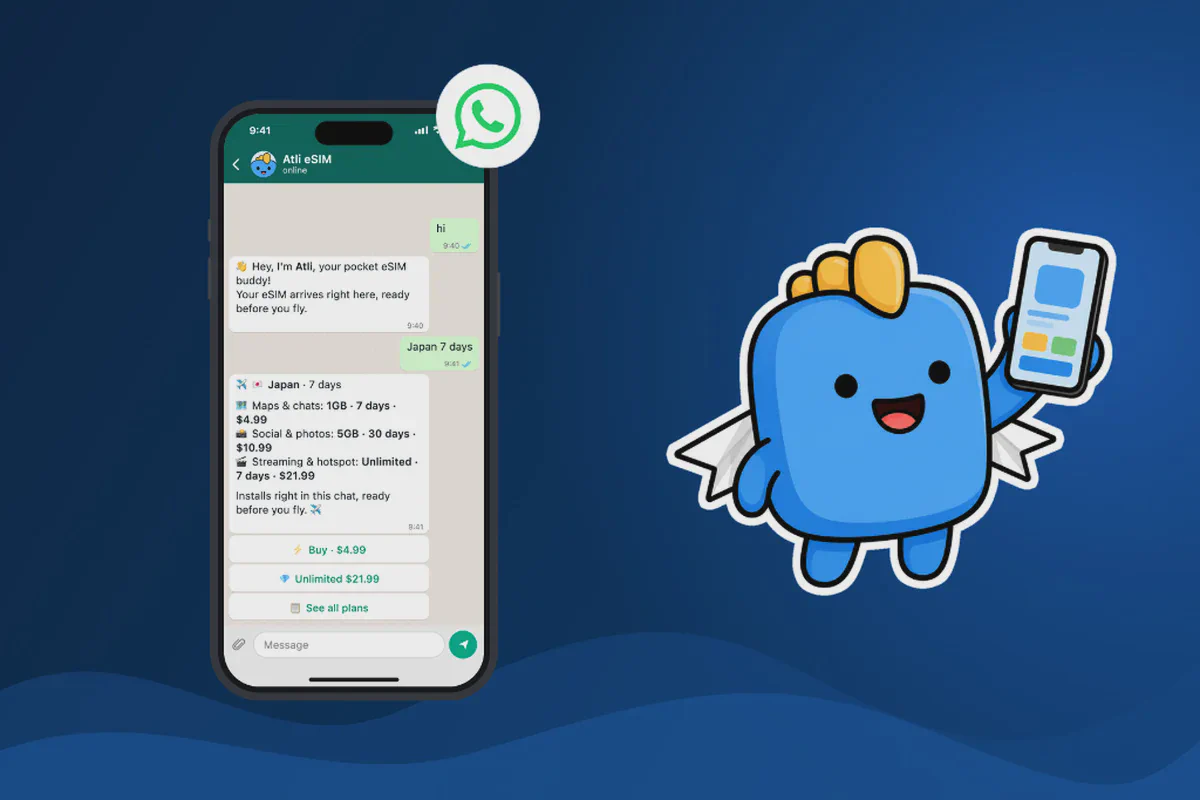
On a travel eSIM, your position updates over mobile data when Wi-Fi is not available. If the plan runs low, the location may stop updating until data is available again. Type data or usage in the Atli chat to check your remaining balance before heading out.
Checked against current WhatsApp location sharing documentation for iOS and Android. Duration options and feature availability may vary with app version, August 2026.