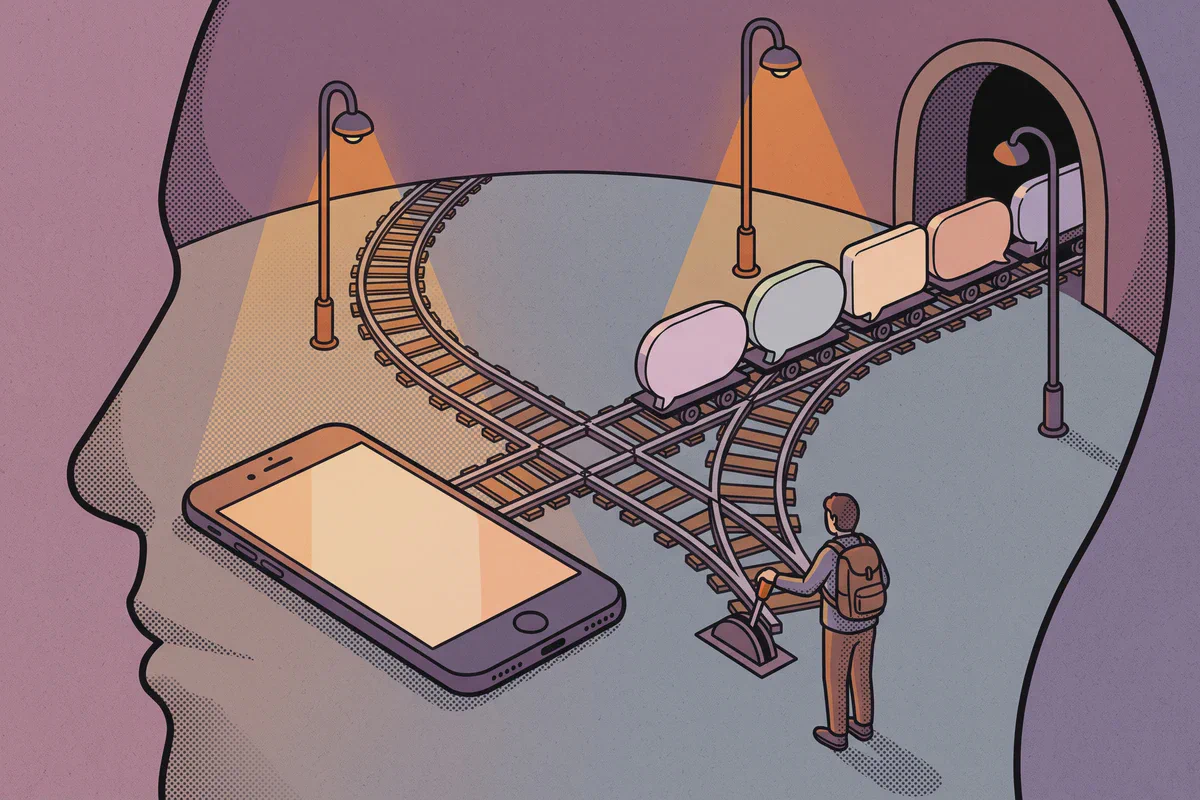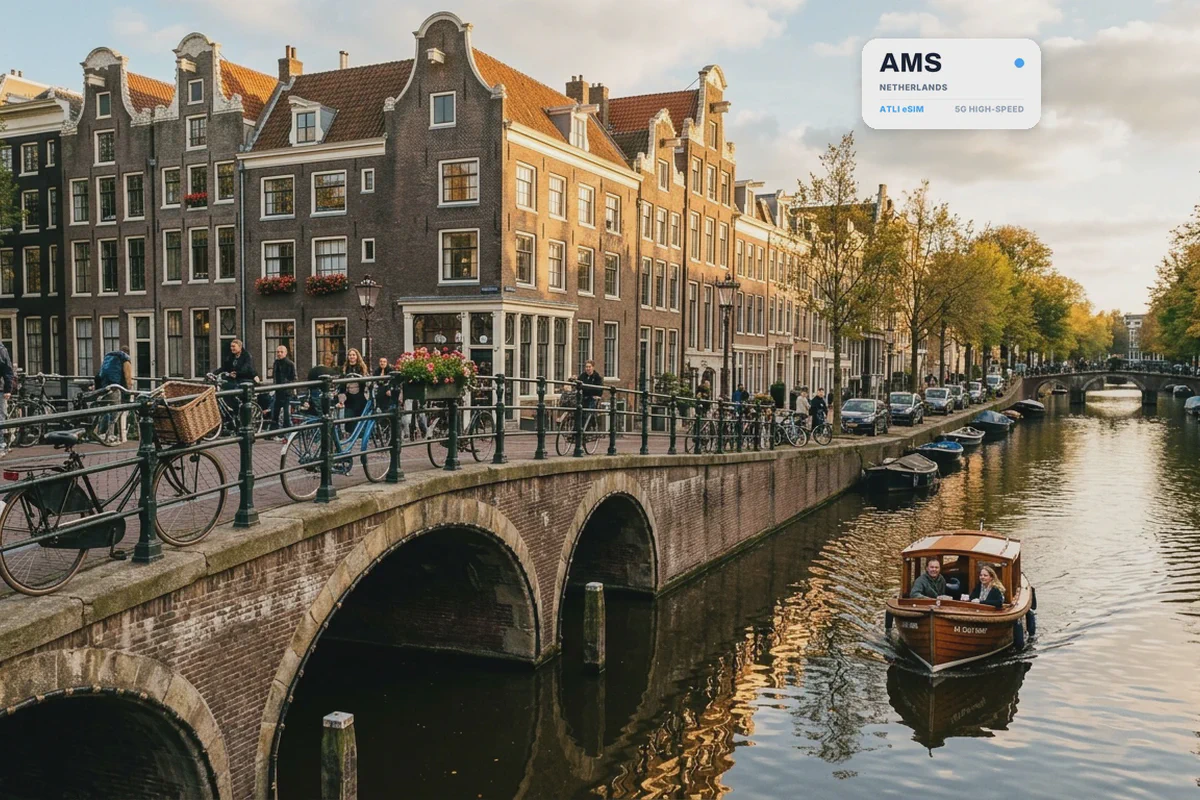
Dutch trains are frequent, but track assignments and platform changes shift quickly on the official NS app. Tracking connections live avoids missing tight transfers at Schiphol or Utrecht Centraal.
Atli is data-only. It does not provide a Dutch phone number, SMS or cellular voice calls. WhatsApp, Telegram, iMessage, FaceTime, maps and transport apps work through the data connection.
Atli eSIM plans for the Netherlands
| Data | Validity | Atli price | Good for |
|---|---|---|---|
| 1 GB | 7 days | $3.99 | A weekend with light maps and messaging |
| 3 GB | 30 days | $5.99 | A short trip with regular transport lookups |
| 5 GB | 30 days | $8.99 | One to two weeks with social media |
| 10 GB | 30 days | $15.99 | Longer trips or some laptop use |
| 20 GB | 30 days | $19.99 | Remote work, streaming or frequent hotspot use |
| Unlimited | 5 days | $15.99 | A short trip with heavy data use |
| Unlimited | 30 days | $68.99 | A month without tracking each gigabyte |
These prices were checked in August 2026. Plans and prices can change.
Three gigabytes is enough for many city breaks built around Google Maps, WhatsApp, the NS app and 9292. Choose 5 GB if you post photos and video regularly. The 20 GB plan is only $4 more than 10 GB, so it is the better fit if you expect to tether a laptop or stream frequently.
For a closer estimate, see how much data a trip really uses.
KPN 5G and Vodafone LTE coverage
Atli uses two Dutch partner networks: KPN on 2G, LTE and 5G, and Vodafone Netherlands on 2G and LTE.
This distinction matters. Atli does not get Vodafone 5G, so 5G should not be expected on both networks. Your phone may connect to KPN 5G when the device, local signal and plan conditions allow it. Otherwise, LTE is the normal fallback.
Coverage is generally easiest in cities and populated corridors, but no guide can promise a signal inside every canal house, station, tunnel or train carriage. Building materials, crowds and a moving train can all affect reception. Save essential tickets and your accommodation address offline before a long rail journey.

Mobile data for Dutch trains and public transport
The official NS app provides train planning, tickets and notifications about delays, cancellations and platform changes. 9292 covers trains, buses, trams, metros, ferries and other public transport.
You do not need a separate transport card for an occasional trip if you have a suitable contactless payment card or mobile wallet. OVpay lets travelers check in and out using a contactless debit card, credit card, phone or smartwatch. Use the same card or device at both ends of the journey.
Keep a ticket QR code or travel details available offline. Mobile data is useful for changes during the trip, but a weak signal should not leave you unable to show information you already received.
If you are choosing a base in Amsterdam, compare the exact map pin with the nearest train, metro or tram stop on Booking.com. A room outside the canal ring can still be convenient when the connection is direct.
Keep your normal SIM for your phone number
On a compatible dual-SIM phone, your home SIM and Atli eSIM can have separate jobs: your own number stays on your home SIM for calls and texts, and mobile data in the Netherlands comes from your Atli eSIM.
On a dual-SIM phone, set Atli as the cellular-data line and keep your primary SIM active for calls and texts. Turn off data roaming on your primary SIM to avoid unintended roaming data charges. If your carrier supports roaming, verification texts can still arrive on your primary SIM.
Read the dual-SIM travel guide for the settings to check before departure.
Netherlands-only plan or Europe regional plan?
A local Netherlands plan is the cheaper choice when the entire trip stays within the country. It will not continue working during a day trip across the border.
Atli’s Europe regional plan covers 34 countries, including the Netherlands, Belgium and Germany. Right now, 3 GB for 30 days costs $11.99 on the regional plan, compared with $5.99 for the Netherlands-only plan. Choose based on the route rather than buying extra coverage you will not use.
See the regional eSIM guide if your itinerary crosses several European borders.
Travel eSIM or local Dutch SIM?
A travel eSIM is convenient when you want data ready before arrival. A local product may suit a longer stay or anyone who needs a Dutch phone number.
Vodafone offers prepaid eSIM in the Netherlands. KPN offers prepaid physical SIMs, but its official eSIM page says eSIM is not available for prepaid. These are separate retail products, not services supplied by Atli.
For a broader comparison, see eSIM vs airport SIM vs pocket WiFi.
How to set up an Atli eSIM for the Netherlands
Install the eSIM at home before you travel, while you still have reliable WiFi. Do not leave the installation until you arrive, since airport WiFi may be slow, require a login or fail when you need it. Check first that your phone supports eSIM and is carrier-unlocked.
Installing the eSIM does not start the plan. It starts when your phone first connects to a network at the destination. You have up to 30 days after purchase to make that first connection; after that, the plan starts automatically.
After arrival:
- Turn on the Atli eSIM.
- Select Atli as the cellular-data line.
- Turn on data roaming for that line.
- Leave your home SIM off for mobile data if you want to avoid home-carrier roaming charges.
Keep the Atli eSIM installed after the data plan expires. You only need this one eSIM profile: if you buy another plan later, it is added to the same eSIM automatically. There is nothing new to install. Turn the Atli eSIM on when you arrive and select it for mobile data. Data plans expire; the eSIM itself stays on your phone. Do not delete its profile.
FAQ
Does Atli work in the Netherlands?
Does Atli include a Dutch phone number?
Can I keep my normal phone number?
Does Atli get 5G in the Netherlands?
Will a Netherlands plan work in Belgium or Germany?
Can I use my phone as a hotspot?
Can I receive bank verification codes?
Do I need a passport to activate Atli?
Checked against Atli’s current prices and networks and official Dutch transport and operator information, August 2026.
The Booking.com link above is an affiliate link. Booking through it costs you nothing extra and helps keep Atli running.