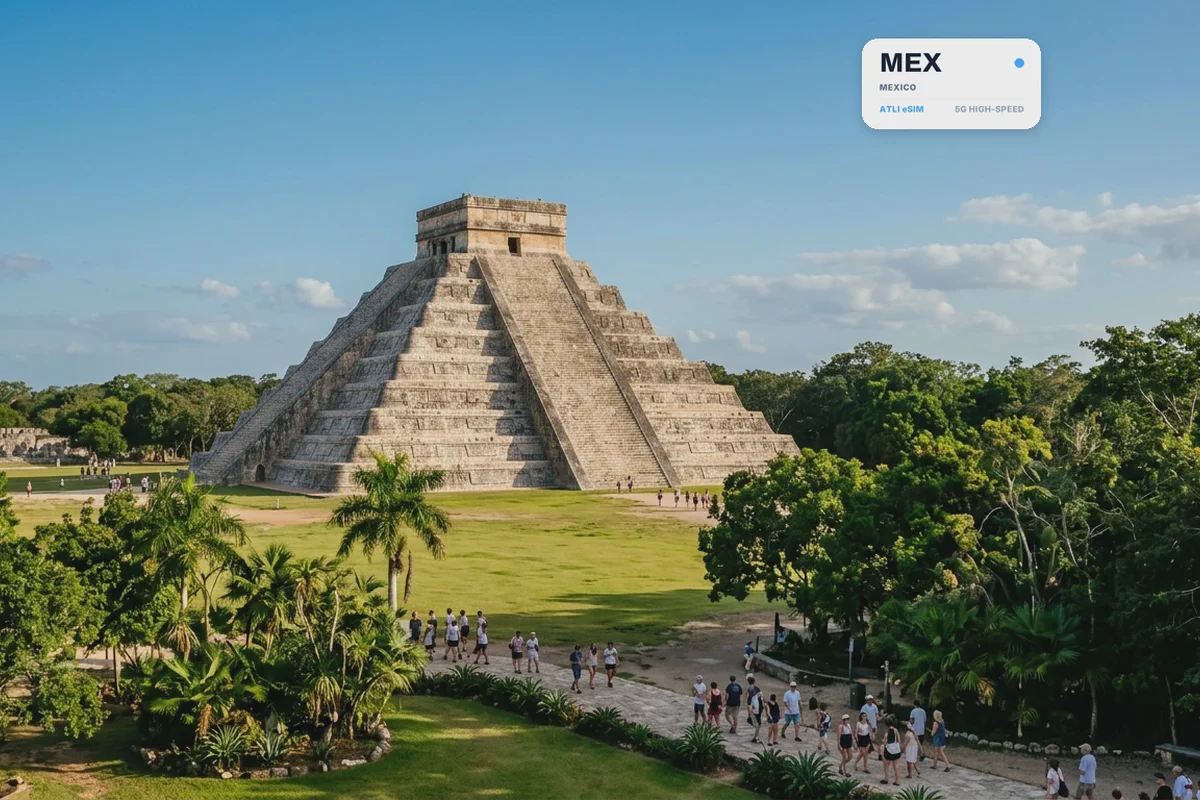
At Mexico City airport, official taxi booths charge substantially more than ride-hailing apps, and the pickup zones require a live connection to coordinate with your driver. Arranging data before your flight lands lets you book an Uber before walking out of the terminal.
Atli is data-only. It does not provide a Mexican phone number, SMS or cellular voice calls. WhatsApp, Uber, Telegram, iMessage, FaceTime, maps and translation apps work through the data connection.
Atli eSIM plans for Mexico
Fixed-data plans:
| Data | Validity | Atli price | Good for |
|---|---|---|---|
| 1 GB | 7 days | $7.99 | A short stop with light use |
| 3 GB | 30 days | $19.99 | About a week of maps and messaging |
| 5 GB | 30 days | $25.99 | One to two weeks |
| 10 GB | 30 days | $49.99 | Longer trips with regular photo sharing |
| 20 GB | 30 days | $99.99 | Compare against the regional plan first |
Unlimited plans run from $22.99 for 5 days to $100.99 for 30 days.
These prices were checked in August 2026. Plans and prices can change.
Think twice about the two largest Mexico plans. The 20 GB plan costs $99.99 and unlimited for 30 days costs $100.99, and the North America regional plan beats both: $48.99 for the same 20 GB, and $99.99 for the same 30 days of unlimited. If you need a lot of data for a month in Mexico, buy the regional plan.
Seven days costs $30.99 and ten days costs $31.99. Three extra days for one dollar, and no other step is close: the jump from 25 to 30 days costs $35. If you are choosing between a week and a little longer, take the ten days.
For a closer estimate, see how much data a trip really uses.
What network Atli uses in Mexico, and why there is no 5G
Atli uses one Mexican network: Telcel on 2G, 3G and LTE.
There is no 5G. LTE is the fastest connection this eSIM reaches in Mexico.
That is about the access a visiting eSIM is given, not the state of Mexican networks. Telcel runs 5G for its own customers. Roaming onto a network does not include everything that network offers.
Movistar and AT&T Mexico are the country’s other large operators and neither is an Atli partner network. If you have read that an Atli eSIM connects to Movistar, that is wrong. Your phone will attach to Telcel.
There is also no second carrier to fall back on when Telcel is congested, unlike Germany or Norway, where there are two.
Mexico-only plan or North America regional plan?
This is the section that saves money, and the answer changes depending on which kind of plan you buy.
Fixed-data plans:
| Plan | Mexico only | North America |
|---|---|---|
| 1 GB / 7 days | $7.99 | $7.99 |
| 3 GB / 30 days | $19.99 | $18.99 |
| 5 GB / 30 days | $25.99 | $26.99 |
| 10 GB / 30 days | $49.99 | $35.99 |
| 20 GB / 30 days | $99.99 | $48.99 |
At 1 GB the two cost the same. At 3 and 5 GB they are within a dollar of each other in opposite directions, so the choice barely matters. Then the gap opens: the regional plan is $14 cheaper at 10 GB and $51 cheaper at 20 GB, and it covers Canada and the United States as well as Mexico.
That is worth stating plainly. For 10 GB or more, the plan that covers three countries costs less than the plan that covers one.
Unlimited plans reverse it:
| Validity | Mexico only | North America |
|---|---|---|
| 5 days | $22.99 | $22.99 |
| 7 days | $30.99 | $30.99 |
| 10 days | $31.99 | $43.99 |
| 15 days | $43.99 | $55.99 |
| 20 days | $59.99 | $70.99 |
| 25 days | $65.99 | $75.99 |
| 30 days | $100.99 | $99.99 |
The first two rungs are identical. From 10 to 25 days the Mexico plan is cheaper, by $10 to $12. At 30 days it reverses again and the regional plan is the cheaper of the two.
So the rule is short. Buying by the gigabyte at 10 GB or more, take North America. Buying unlimited for 10 to 25 days, take Mexico. Below those points, and again at 30 days, the difference is a dollar either way.
The regional plan covers Canada, Mexico and the United States. If your trip includes a stop in Texas or California, or a flight home through a US airport where you want data on the layover, that settles it on its own.
See the regional eSIM guide if your itinerary crosses several countries.
Getting around Mexico
Ride-hailing is the main reason to have data working the moment you arrive. Uber and DiDi both operate in Mexico City, Guadalajara, Monterrey, Cancun and most large cities, and both settle the fare and the route in the app rather than at the window. In Mexico City this is the ordinary way visitors move around. Airport taxis are a separate, regulated system with fixed-price booths inside the terminal, and those work without any data at all.
Long-distance buses are how most of the country actually travels, and they are good. ADO runs the southeast, including the Yucatan and the routes to Oaxaca, from proper terminals with assigned seats and online booking. The website and app want a connection at the moment you book, not for the ride.

Mexico City’s Metro is cheap, extensive and cash-based at the turnstile, so it keeps working when your phone does not. What data buys you there is knowing which of a large station’s exits to take, and the walking leg at each end.
Away from cities and highways, treat coverage as an open question. A network list describes which network the eSIM attaches to and which technologies that network carries. It says nothing about geography, and nothing about a road through the Sierra, the stretch between cenotes in the Yucatan interior, or a beach town reached by colectivo. Download offline maps and your accommodation address before you leave a town.

If you are choosing where to stay, compare the exact map pin with the neighbourhood you actually want on Booking.com. In Mexico City the difference between Roma Norte and an address twenty minutes further out is not obvious from the listing.
Keep your normal SIM for your phone number
On a compatible dual-SIM phone, your home SIM and Atli eSIM can have separate jobs: your own number stays on your home SIM for calls and texts, and mobile data in Mexico comes from your Atli eSIM.
On a dual-SIM phone, set Atli as the cellular-data line and keep your primary SIM active for calls and texts. Turn off data roaming on your primary SIM to avoid unintended roaming data charges. If your carrier supports roaming, verification texts can still arrive on your primary SIM.
Read the dual-SIM travel guide for the settings to check before departure.
Travel eSIM or local Mexican SIM?
A travel eSIM is convenient when you want data arranged before arrival. A local product may suit a longer stay, heavy data use or anyone who needs a Mexican number, and local prepaid data in Mexico is inexpensive.
Telcel, Movistar and AT&T all sell prepaid service, and there are counters and shops at the airports and in most shopping centres. Mexican prepaid SIMs require registration, and the rules and the identification accepted have changed more than once in recent years. Those are separate local products rather than services supplied by Atli, so check what is currently required before you buy.
For a broader comparison, see eSIM vs airport SIM vs pocket WiFi.
How to set up an Atli eSIM for Mexico
Install the eSIM at home before you travel, while you still have reliable WiFi. Do not wait until you arrive: airport WiFi may be slow, require a login or fail when you need it. Check first that your phone supports eSIM and is carrier-unlocked.
Installing the eSIM does not start the plan. It starts when your phone first connects to a network at the destination. You have up to 30 days after purchase to make that first connection; after that, the plan starts automatically.
After arrival:
- Turn on the Atli eSIM.
- Select Atli as the cellular-data line.
- Turn on data roaming for that line.
- Leave your home SIM off for mobile data if you want to avoid home-carrier roaming charges.
Keep the Atli eSIM installed after the data plan expires. You need only this one eSIM profile: if you buy another plan later, it is added to the same eSIM automatically. There is nothing new to install. Data plans expire; the eSIM itself stays on your phone. Do not delete its profile.
FAQ
Which network will my phone use in Mexico?
Does Atli get 5G in Mexico?
Does Atli use Movistar or AT&T?
Should I buy the Mexico plan or the North America one?
Should I buy the 20 GB Mexico plan?
Does Atli include a Mexican phone number?
Can I keep my normal phone number?
Will a Mexico plan work in the United States?
Will I have a signal on the road to a cenote or a remote beach?
Can I use my phone as a hotspot?
Can I receive bank verification codes?
Do I need a new eSIM when I buy another plan?
Checked against Atli’s current prices and networks, August 2026.
The Booking.com link above is an affiliate link. Booking through it costs you nothing extra and helps keep Atli running.