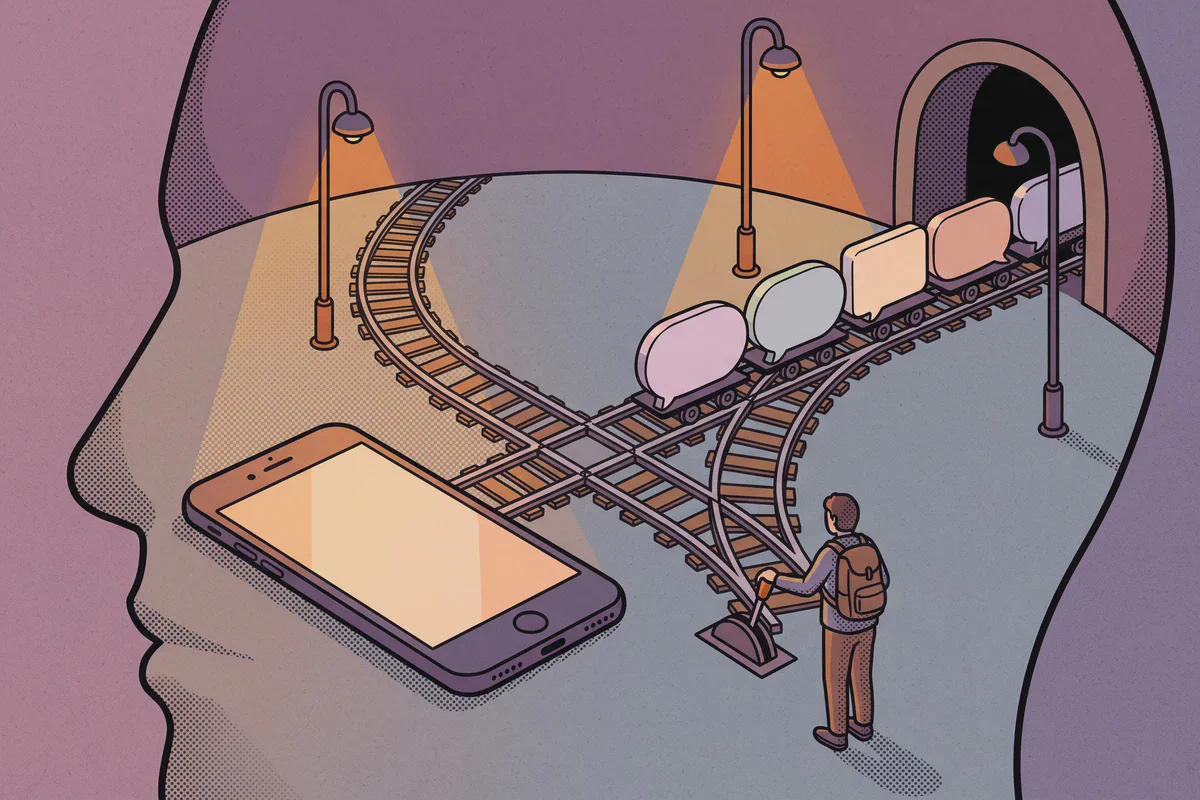
Tokyo and Shinjuku are sprawling stations with overlapping train operators, platforms and exits. Finding the correct platform, verifying Shinkansen track numbers, and topping up digital Suica cards on the go are practical reasons to keep data available while moving through the rail network.
Atli is data-only. It does not provide a Japanese phone number, SMS or cellular voice calls. LINE, WhatsApp, Telegram, iMessage, FaceTime, maps and translation apps all work through the data connection.
Atli eSIM plans for Japan
| Data | Validity | Atli price | Good for |
|---|---|---|---|
| 1 GB | 7 days | $4.99 | A layover or a weekend stop |
| 3 GB | 30 days | $7.99 | About a week around Tokyo and Kyoto |
| 5 GB | 30 days | $10.99 | One to two weeks with regular photo sharing |
| 10 GB | 30 days | $16.99 | Longer trips, or two cities plus day trips |
| 20 GB | 30 days | $24.99 | Remote work, streaming or frequent hotspot use |
| Unlimited | 5 days | $16.99 | A short trip with heavy data use |
| Unlimited | 30 days | $67.99 | A month without tracking each gigabyte |
These prices were checked in August 2026. Plans and prices can change.
Japan tends to pull more data than a comparable European city break, because the things that make it navigable are all online at once: transit apps for platforms and transfers, maps for the walk from the exit, and a translate camera pointed at menus and ticket machines. Free WiFi exists in stations, convenience stores and cafes, but a lot of it wants an email address or a browser sign-in for each session, which is awkward precisely when you are standing in a concourse with a suitcase.
Choose 5 GB if you post photos most days. If you plan to tether a laptop, go to 20 GB or unlimited and read the hotspot guide first, because a laptop spends a plan faster than a phone does.
For a closer estimate, see how much data a trip really uses.
What network Atli uses in Japan
Atli uses one Japanese network: KDDI, which trades as au, on LTE and 5G.
Two things follow. There is no second carrier for the eSIM to fall back on when the first is congested, unlike Germany or Norway, where there are two. And there is no 2G or 3G listed here at all, so LTE is the floor rather than a fallback below it. Write off the idea of a slow-but-working 3G connection in a valley somewhere: on KDDI, either LTE is there or nothing is.
NTT Docomo and SoftBank are Japan’s other large operators, and neither is an Atli partner network. Your phone will attach to KDDI.
A network list is also not a coverage map. It describes which network the eSIM is granted and which technologies that network carries. It says nothing about a valley in the Kiso, a trailhead on the Kumano Kodo, or the middle of a long Shinkansen tunnel. Download offline maps and your accommodation details before you leave the main corridors, and download anything you want to watch before the train moves rather than streaming through the tunnels.
What a Japan trip spends data on
Google Maps works normally in Japan, transit included, which is not true everywhere in the region. The heavy use is not the route itself but everything around it.
- Station exits. Shinjuku, Tokyo and Osaka-Umeda are large enough that the exit matters more than the line. Picking the wrong one puts you on the far side of a wide road, or a floor below where you meant to be.
- The translate camera. Menus, ticket machines, pharmacy shelves and station signage. It runs continuously for a minute at a time and it is online.
- Transfers. Working out which of four platforms and which of three train types stops where you are going, usually while the train you wanted is boarding.
Suica and PASMO are the exception. Both run from a stored balance on the card or in your phone’s wallet, so tapping through a gate keeps working when the signal does not.

If you are choosing where to stay, compare the exact map pin with the nearest station on Booking.com. In Tokyo the line matters more than the district: an address two stops out on the Yamanote loop usually beats one that only looks central on the map.

Keep your normal SIM for your phone number
On a compatible dual-SIM phone, your home SIM and Atli eSIM can have separate jobs: your own number stays on your home SIM for calls and texts, and mobile data in Japan comes from your Atli eSIM.
On a dual-SIM phone, set Atli as the cellular-data line and keep your primary SIM active for calls and texts. Turn off data roaming on your primary SIM to avoid unintended roaming data charges. If your carrier supports roaming, verification texts can still arrive on your primary SIM.
Read the dual-SIM travel guide for the settings to check before departure.
Japan-only plan or Asia regional plan?
The answer flips at the bottom of the range rather than the top, so it is worth two minutes:
| Plan | Japan only | Asia |
|---|---|---|
| 1 GB / 7 days | $4.99 | $3.99 |
| 3 GB / 30 days | $7.99 | $8.99 |
| 5 GB / 30 days | $10.99 | $17.99 |
| 10 GB / 30 days | $16.99 | $30.99 |
| 20 GB / 30 days | $24.99 | $40.99 |
At the smallest size the regional plan undercuts the local one: a dollar less, and valid in ten places rather than one. For a two-day stop in Tokyo on light usage there is no argument for the Japanese plan.
From 3 GB upward that reverses and the gap widens fast. Seven dollars at 5 GB, fourteen at 10 GB, sixteen at 20 GB. The unlimited tiers follow the same pattern, with Japan six dollars cheaper at both five days and thirty. For a normal week or two in the country, buy local.
The Asia plan covers Bangladesh, Cambodia, China, Hong Kong, India, Japan, Macau, South Korea, Sri Lanka and Taiwan. That list is what usually decides it, because Tokyo with Seoul, Taipei or Hong Kong is a common pairing and stays on one plan.
See the regional eSIM guide if your itinerary crosses several countries.
Travel eSIM, pocket WiFi or a local SIM?
Japan is the country where pocket WiFi rental took hold hardest, and it still has one honest use: a group of four sharing one connection all day, splitting one rental between them. The costs are a device to collect, a battery to keep charged, something to carry that is not your phone, and a return before you fly home.
A travel eSIM removes all four and arranges the data before you arrive. For one or two phones that is the simpler trade.
Local prepaid is the third option. Airport counters and Japanese MVNOs sell tourist SIMs, while the three large operators mostly sell contracts to residents, so a passport alone will not always get you a line. au, KDDI’s consumer brand, is one of those operators rather than a service supplied by Atli. Terms and identification requirements change, so check the current offer before buying.
For a broader comparison, see eSIM vs airport SIM vs pocket WiFi.
How to set up an Atli eSIM for Japan
Install the eSIM at home before you travel, while you still have reliable WiFi. Airport WiFi may be slow, require a login, or fail at the moment you need it. Check first that your phone supports eSIM and is carrier-unlocked.
Installing the eSIM does not start the plan. The plan starts on whichever comes first: your phone connecting to a network in Japan, or 30 days after purchase. In practice that means buying inside 30 days of the trip and installing whenever you like.
After you arrive:
- Turn on the Atli eSIM.
- Select Atli as the cellular-data line.
- Turn on data roaming for that line.
- Leave your home SIM off for mobile data if you want to avoid home-carrier roaming charges.
To see what is left on a plan, type data or usage in the same chat you bought it in.
Keep the Atli eSIM installed after the data plan expires. You need only this one eSIM profile: if you buy another plan later, it is added to the same eSIM automatically. There is nothing new to install. Data plans expire; the eSIM itself stays on your phone. Do not delete its profile.
The pre-departure checklist covers the rest of what to do the night before.
FAQ
Which network will my phone use in Japan?
Does Atli use NTT Docomo or SoftBank?
Does Atli get 5G in Japan?
How much data do I need for two weeks in Japan?
Should I buy the Japan plan or the Asia one?
Does Atli include a Japanese phone number?
Can I keep my normal phone number?
Is an eSIM better than pocket WiFi in Japan?
Can I use my phone as a hotspot?
When does my plan start?
Do I need a new eSIM when I buy another plan?
Checked against Atli’s current prices and networks and Japanese operator information, August 2026.
The Booking.com link above is an affiliate link. Booking through it costs you nothing extra and helps keep Atli running.