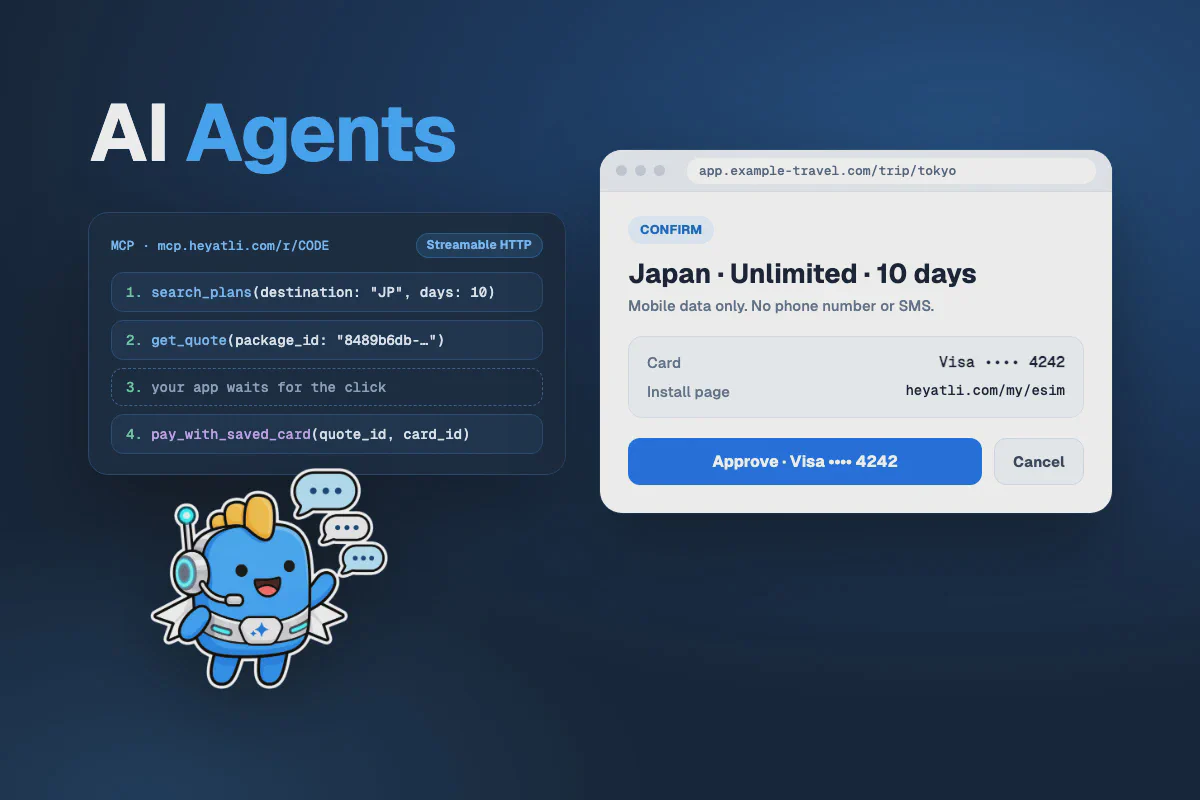
“Will I have data when I land in Japan?” A travel assistant can answer that by checking whether the traveller’s phone supports eSIM and looking up plans for the dates on their itinerary. Nothing in that question authorizes a charge. Even “get me that one” leaves a decision open if the traveller has both a personal card and a company card.
When you integrate an eSIM for AI agents in an agentic travel product, the traveller needs to see the quote and choose how to pay before the agent places the order. The account you use at checkout also determines how they can retrieve the eSIM after the chat ends.
Choosing an eSIM MCP server or REST API for agentic travel
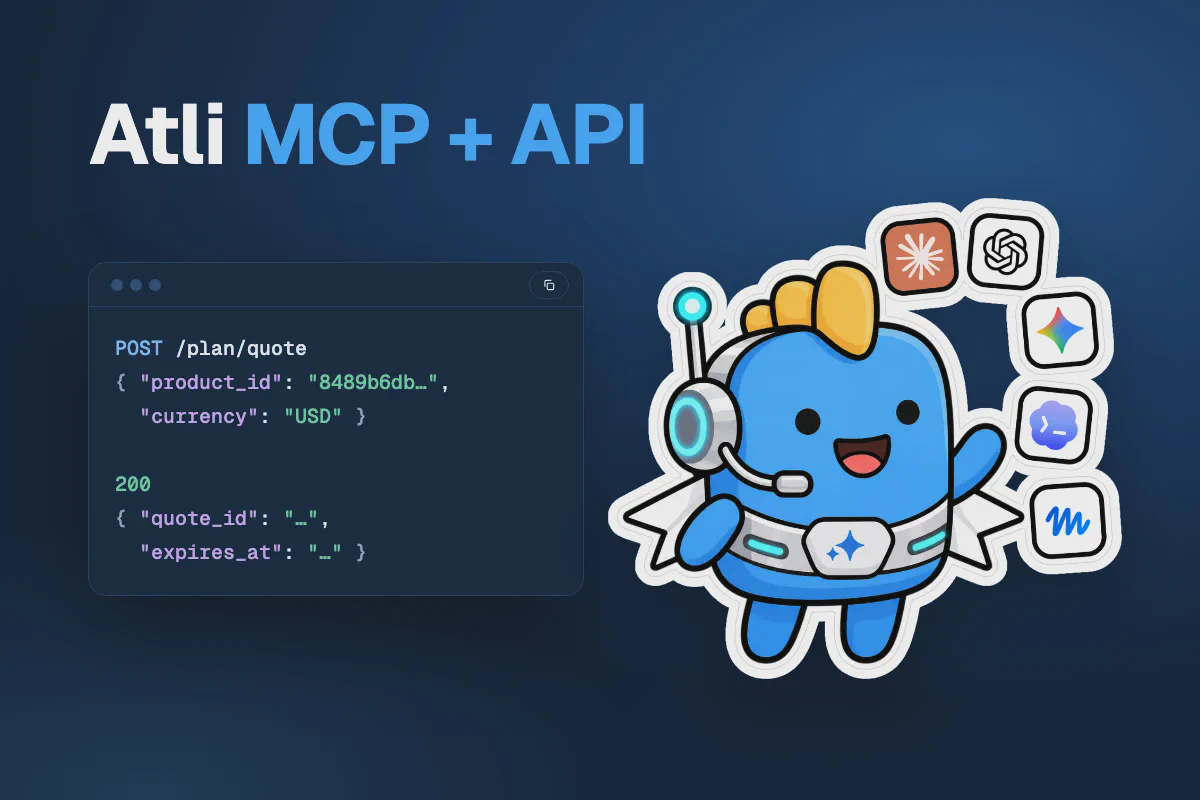
Use Atli’s eSIM MCP server if your assistant already calls tools through Model Context Protocol (MCP). The assistant can look up current plans, get a quote for the one the traveller chooses, start the purchase and retrieve installation instructions. Later, it can check remaining data. For an agentic travel app, this lets the traveller buy data in the same conversation they used to plan the trip. The eSIM MCP server guide covers connecting a client. The public MCP repository lists the tools, and Atli’s connector page has instructions for travellers connecting their own assistant.
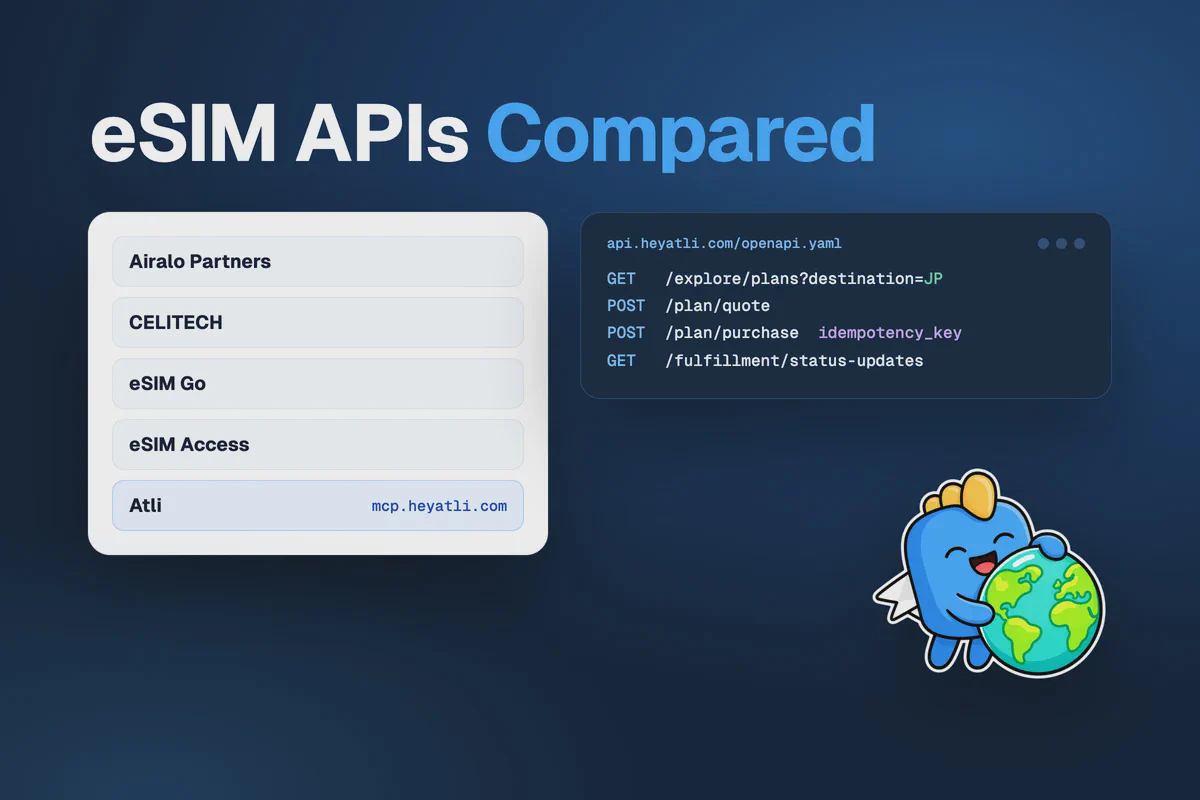
Use the REST API if your app needs to decide exactly when each step happens. A booking app might let an AI travel agent recommend an eSIM in chat, then show the quote on a checkout screen and keep the install link in the traveller’s private trip details. Your backend calls Atli for the quote, payment and order status. Start with the API integration guide for the purchase flow, compare providers in our travel eSIM API comparison or read the API reference for requests and responses. Atli for Business also covers options for businesses offering eSIMs without building an agent.
Whose account is the eSIM on?
| How the traveller buys | How they find the eSIM next week |
|---|---|
| Guest in an MCP conversation | For a traveller who is signed out, calling get_quote without a guest_key creates a guest account and returns its private key. To retrieve the eSIM through MCP later, the client must retain the key and send it with the guest request. Reopening the chat only helps if the client still has the key. A saved install link also works outside the chat. |
| Signed in to Atli | With OAuth, the tools act for the traveller’s Atli account. A plan bought while signed in is available in another supported chat connected to the same account and in Atli’s apps. Sign-in happens on Atli’s site, so the traveller enters their verification code there. |
| Guest in your API app | Create a guest per user and store their device_id securely on your backend. Reuse it when that user returns. Creating a fresh guest on every visit leaves the earlier purchase on the first account. |
Signing in through MCP later opens the traveller’s Atli account. A purchase made as a guest stays with that guest. The REST API separately supports upgrading an API guest by verifying a new email on that same account, which preserves its purchases. For access across chats, offer Atli sign-in before checkout. Treat a guest key or device ID like a password. Anyone who has it can act as that guest.
Payment without a card in the chat
Once the traveller chooses a plan, get a fresh quote and show the destination, allowance, validity and final price in the quoted currency. Atli plans provide mobile data only. They include no phone number, cellular voice service or SMS.
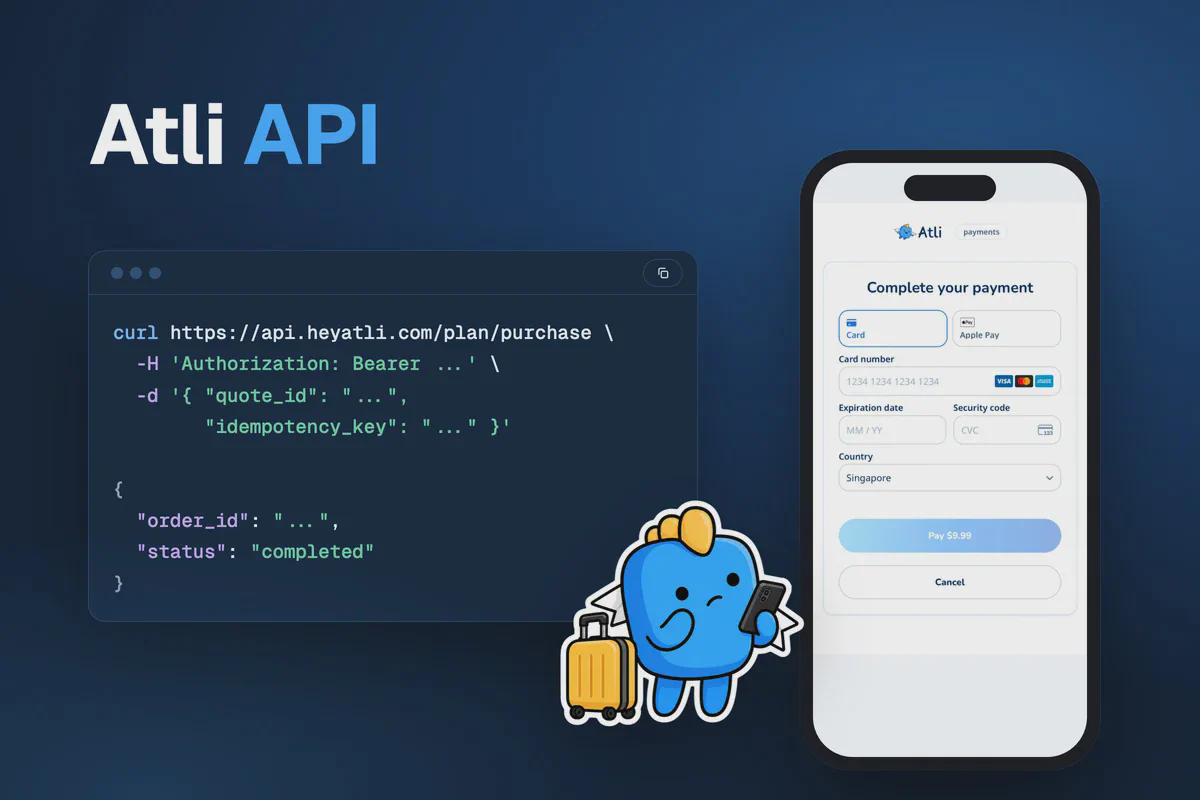
For a first purchase, the simplest handoff is Atli’s hosted payment page. The MCP tool start_purchase returns a link. An API app constructs the link from the sealed values Atli returns. The traveller opens it, reviews the total and pays through Stripe on Atli’s page. Card numbers stay out of the conversation. The payment page documentation includes a working Sandbox example.
With a saved card, the assistant can initiate the charge directly. Atli instructs it to show the quoted total, identify the card and get explicit approval before calling pay_with_saved_card. For pay_with_group, it should identify the group paying and ask the traveller to approve the charge. Atli marks both tools as destructive. Neither tool independently checks that the traveller approved the payment in chat.
One way to enforce approval in your own app is to show the total and the card’s last four digits on a confirmation button. Have your backend require that click before it calls the payment tool. Record which quote and payment method the traveller approved, and allow that approval to be used only once. If the traveller switches to the company card or the price changes, show the revised details and ask again. If your client cannot reliably tie approval to the charge, hand the traveller the hosted payment link.
Installing from a conversation
After checkout, check the existing order with GET /fulfillment/status-updates in an API app, or the MCP tool get_order_status. A status of paid means payment went through and the eSIM is still awaiting issue. Keep checking that order until the status is completed and the esim field contains the installation details. Starting another purchase while you wait risks a second charge.
After fulfilment, the MCP tool get_install_instructions returns links the traveller can open outside the chat. One opens the eSIM in the Atli app. The browser link at /my/esim shows the install options and remaining data without requiring an Atli account. On a compatible, carrier-unlocked iPhone or Android phone, the traveller can use the one-tap link to open the phone’s eSIM setup. If they are reading the chat on a laptop, they can scan the QR code on its screen with their phone instead.
Deliver the links privately to the person using the eSIM. Anyone holding the install link can use it, so a shared itinerary is a poor place for it. The traveller can install on reliable WiFi before departure and select the Atli eSIM for mobile data when they arrive.
Getting credited for what your agent sells
For MCP, copy your address from the partner MCP page. The /r/YOUR_CODE in that address links new guests to your partner account. The plain server address works for purchases but carries no partner code. Automatic attribution for customers signing in through OAuth is off by default. Atli must enable it for your partner account.
For a per-customer API integration, redeem your referral code on the new guest account before its first purchase. Check the result. An account with a prior purchase or an existing referrer cannot be newly attributed this way. Once linked, eligible later purchases can count for 12 months by default, even if the customer returns through another Atli channel. Your partner terms can set a different period. The affiliate guide explains which sales earn commission.
Testing before real money
Switch the MCP tool reference to Sandbox and use Try. The shared test account already has an eSIM and a saved test card. To check what two different customers can see, use separate Sandbox accounts or guest sessions. The shared account alone cannot test that boundary.
Point your own MCP client at https://staging.public.mcp.heyatli.com/r/YOUR_CODE, or your REST client at https://api-staging.heyatli.com. Use Stripe’s test card 4242 4242 4242 4242 on the Sandbox payment page. Sandbox has its own accounts, makes no real charges and earns no commission.
To test your app’s approval check, approve a quote with one test card and switch payment methods before submitting the charge. Verify that your app asks again. After a test purchase, close the chat and open the saved install link. This tests whether the traveller can retrieve the installation details outside the conversation. The test carrier’s eSIM cannot be installed on a phone.
Atli MCP tools (get_quote, start_purchase, pay_with_saved_card, pay_with_group, get_order_status, get_install_instructions), guest key and OAuth account scoping, /r/YOUR_CODE attribution, Sandbox endpoints and paid versus completed fulfilment states verified against Atli MCP and REST API documentation, November 2026.
FAQ
Can the agent buy an eSIM without asking?
Does the agent need an API key?
Can an agent manage a company’s eSIM group?
How does partner attribution work for an eSIM in agentic travel apps?
https://mcp.heyatli.com/r/YOUR_CODE attributes eligible new guest travellers to your partner account automatically (12 months by default, or per partner terms). If your app signs travellers in with OAuth, request OAuth attribution activation from [email protected], or redeem your partner code on new REST API guests before their first purchase.What happens if an AI agent retries a timed-out eSIM purchase?
get_order_status (MCP) or GET /fulfillment/status-updates (REST) and wait for completed rather than paid. On the REST API, reusing the same quote_id or idempotency_key returns the original order without charging the traveller twice.