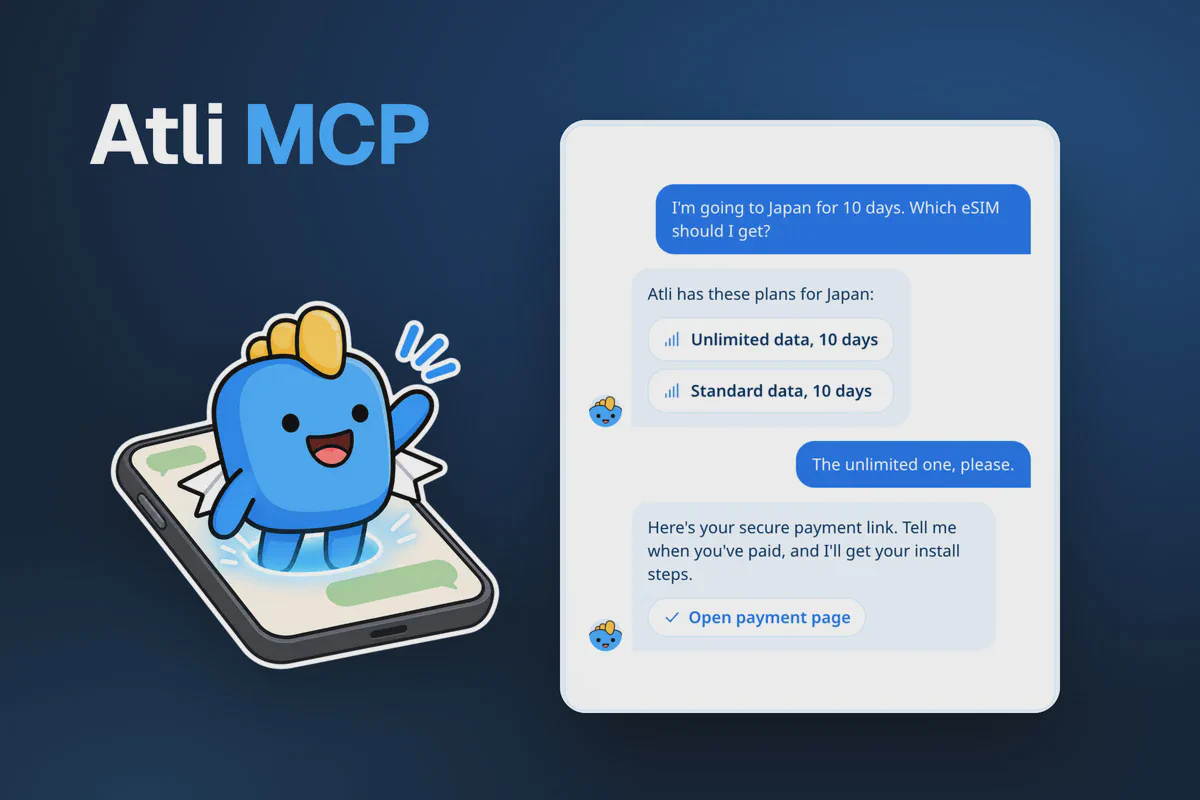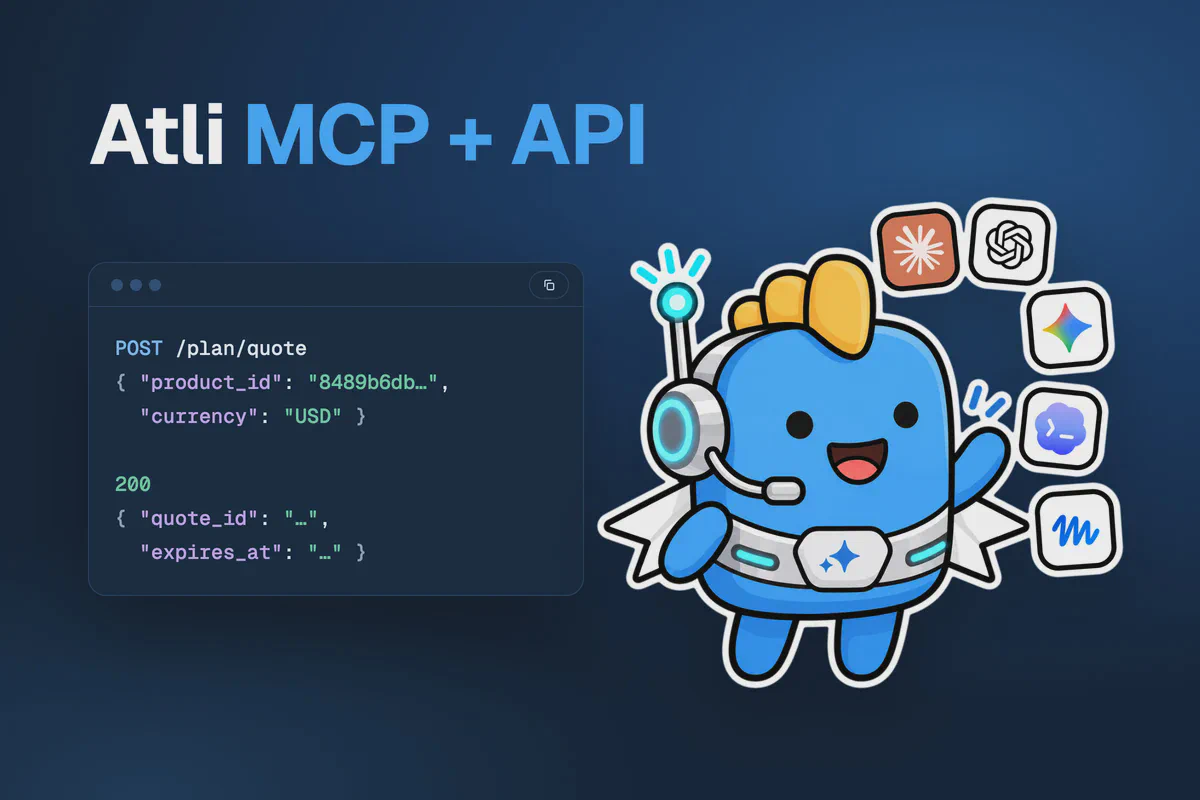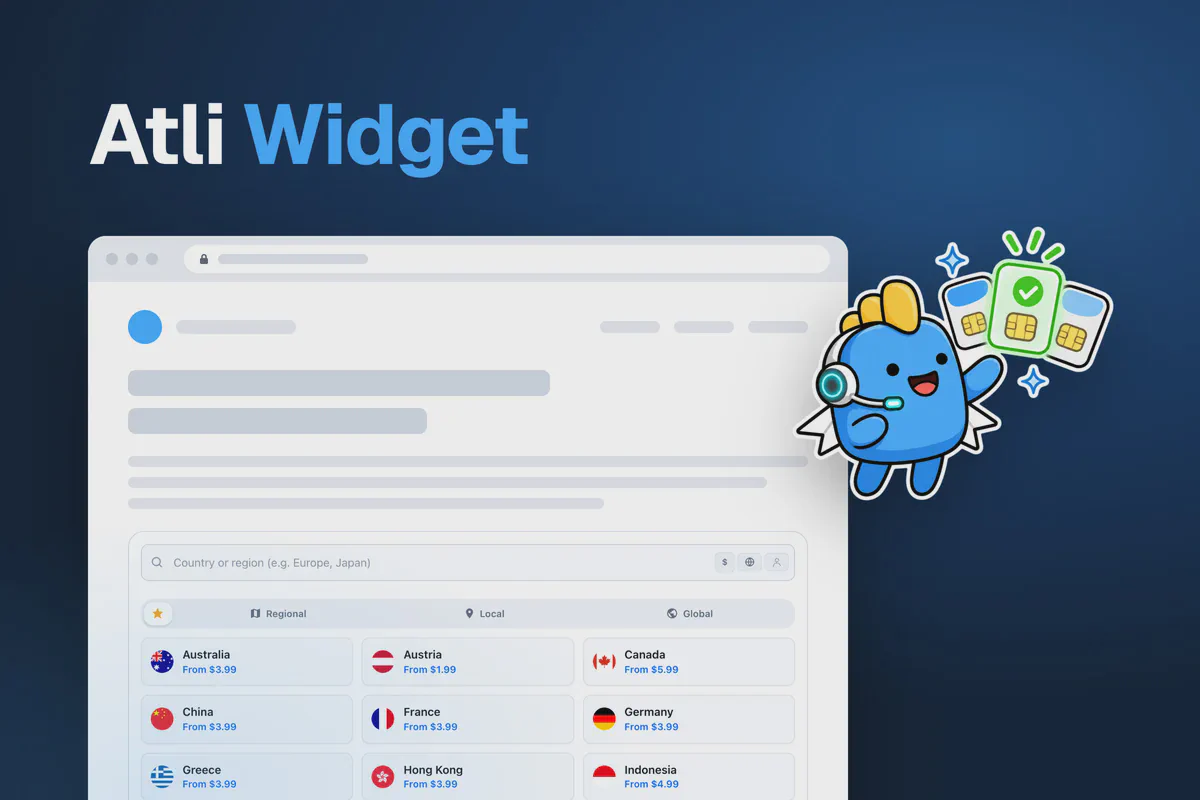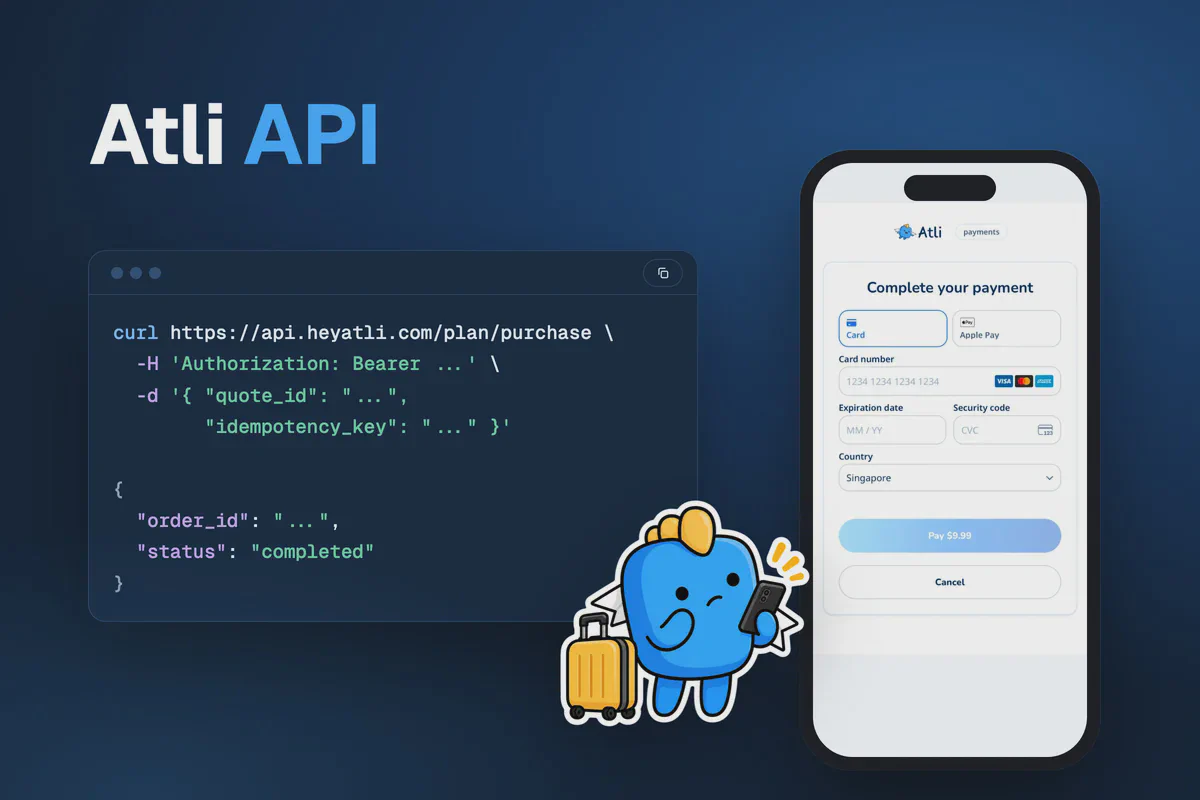
Partners can use the same Atli eSIM API that powers heyatli.com and the Atli widget. You can build your own destination listings, plan selection, checkout and installation interfaces for a website, app or bot. Atli provides the plan catalogue, processes payments through its Stripe account and issues the eSIMs.
The API does not use application-level API keys. Authentication is handled through individual user tokens. Your server signs in each user with a unique device ID or through OAuth, then makes API requests on their behalf. Each guest account requires its own device ID, which your application must store securely.
Sandbox, production and the OpenAPI file
| Sandbox | Production | |
|---|---|---|
| API | https://api-staging.heyatli.com | https://api.heyatli.com |
| OpenAPI file | https://api-staging.heyatli.com/openapi.yaml | https://api.heyatli.com/openapi.yaml |
| Payment page | https://staging.heyatli.com/pay | https://heyatli.com/pay |
Sandbox uses separate accounts and test payments, so no real charges are made. Its eSIMs come from a test carrier, so they can’t be installed on a phone, and Sandbox sales never earn commission. All account creation and order examples in this guide use Sandbox endpoints. For production, change the API base URL to https://api.heyatli.com. The reference at partners.heyatli.com/dev/api switches between the two.
API errors follow a consistent format containing a code, an English message and a trace_id for troubleshooting with Atli support. Use code to determine how your application handles the error and displays an appropriate message. The message field can be retained in your logs.
Sign-in, quotes, voucher redemption and eSIM sync are rate-limited, and a refused request answers 429 with Retry-After in seconds.
You can generate a typed API client from the OpenAPI specification instead of writing individual HTTP requests:
docker run --rm -v "$PWD:/out" \
  openapitools/openapi-generator-cli generate \
  -i https://api.heyatli.com/openapi.yaml \
  -g typescript-fetch -o /out/atli-sdk
Swap typescript-fetch for python, java, csharp, php or swift6. Go needs go --additional-properties=enumClassPrefix=true.
Step 1: create a user
You can create an Atli guest account for each user without requiring registration. Generate a unique UUID for each user, for example with crypto.randomUUID(), and store it securely in their account record.
Treat the device ID as a sensitive credential because anyone with access to it can authenticate as that user.
Sign in with it from your server. An ID Atli hasn’t seen before creates a guest account, and a known one signs back in:
curl https://api-staging.heyatli.com/login \
  -H 'Content-Type: application/json' \
-d '{ "device_id": "YOUR_DEVICE_ID" }'{
"token": "eyJhbGci…",
"refresh_token": "…",
"expires_in": 900,
"session_id": "…",
"user": { "id": "…", "email": null }
}Send token as Authorization: Bearer YOUR_TOKEN on every call that needs a user. It lasts 15 minutes. Renew it shortly before then with POST /refresh and the refresh_token. The refresh answer calls the new token access_token, not token. Make sure your integration reads the correct field to avoid authentication failures when the initial token expires. Save the refresh token every time, because each refresh returns a new one and retires the old one. If you lose both, sign in with the device ID again.
A guest can buy and use eSIMs. Some shared eSIMs and vouchers need a real account, and the API refuses them to a guest with a code such as gift_sign_in_required. To give the guest an email, send its token and its device_id to POST /auth/email/otp, then confirm with POST /auth/email/verify. WhatsApp or Telegram sign-in can upgrade a guest the same way. In either case, the guest’s existing eSIMs and account data are preserved. Leave out the device_id, or use an email that already has an Atli account, and the person ends up in a different account.
Step 2: link the user to your partner code
Link each new user to your code before their first quote:
curl https://api-staging.heyatli.com/user/referral/redeem \
  -H 'Authorization: Bearer YOUR_TOKEN' \
  -H 'Content-Type: application/json' \
  -d '{ "code": "YOUR_PARTNER_CODE" }'
The result field indicates the outcome: ok means the user was linked successfully, already means they have an existing referrer, notnew means they have previously made a purchase, own indicates your own referral code, and notfound means the code was not found. Only a person with no referrer and no earlier purchase can be linked, and only once. Make this call right after you create the user.
The link is permanent. If your code carries a discount, the user’s first eSIM gets it without you sending the code again. The affiliate program guide covers what the link earns.
Step 3: show plans and get a quote
GET /explore/plans returns the complete catalogue, including available destinations, packages, prices and data allowances. It needs no token, so your server can list plans before anyone has an account. Call it from your server, because the API refuses browser requests from other websites with 403. Pass currency, and filter with destination (JP, europe) or category (local, regional, global):
curl 'https://api-staging.heyatli.com/explore/plans?currency=EUR&destination=JP'A package’s id is the product_id you buy. Quote it with store: true to get a quote_id:
curl https://api-staging.heyatli.com/plan/quote \
  -H 'Authorization: Bearer YOUR_TOKEN' \
  -H 'Content-Type: application/json' \
  -d '{ "product_id": "THE_PACKAGE_ID",
        "currency": "EUR",
"store": true }'{
"subtotal_cents": 1500,
"total_discount_cents": 150,
"net_total_cents": 1350,
"currency": "EUR",
"quote_id": "…",
"expires_at": "…"
}Display net_total_cents as the final price. Stored quotes expire after 30 minutes, so generate a quote when the user proceeds to checkout. Each user holds one stored quote at a time, and a new one replaces the last.
target_esim_id tops up an eSIM the user already has. Without it the plan goes on the user’s default eSIM. If they have no eSIM yet, or the default one’s network doesn’t sell that plan, it goes on a new eSIM. For someone signed in with their own Atli account, the quote’s new_esim says which. Guest quotes leave it out. For a guest, compare the eSIM on the finished order with the ones GET /esims lists before you show install steps.
auto_apply_best_voucher applies the user’s highest-value eligible voucher, while points_to_redeem allows users to redeem their points, displayed as Atli Credits in Atli’s apps. An order takes one kind of discount. The referral discount from your link comes first and beats any voucher the quote would pick on its own. A voucher named with voucher_code replaces it, and naming both a voucher and a referral_code fails with cannot_combine_voucher_and_referral. Points count only when neither applies.
Step 4: create the order and take payment
Buy the stored quote by its quote_id. The order takes its plan, discounts and price from the quote. If the total has moved more than 1% since, the purchase fails with price_changed and you quote again.
Each quote can be used for one order. If a purchase request is submitted again, whether accidentally or after a timeout, the API returns the existing order rather than creating a duplicate. The request must also include an idempotency_key, which prevents duplicate orders when you purchase directly with a product_id instead of a stored quote.
curl https://api-staging.heyatli.com/plan/purchase \
  -H 'Authorization: Bearer YOUR_TOKEN' \
  -H 'Content-Type: application/json' \
  -d '{ "quote_id": "THE_QUOTE_ID",
"idempotency_key": "A_NEW_UUID" }'{
"order_id": "…",
"client_secret": "pi_…_secret_…",
"sealed_secret": "eyJhbGciOiJFQ0RILUVTIi…",
"key_id": "…",
"seal_signature": "…",
"options": "{\"message\":\"Plan for Japan\",\"lang\":\"en\"}",
"options_signature": "…",
"total_amount_cents": 1350,
"status": "pending_payment"
}The client_secret belongs to a Stripe PaymentIntent on Atli’s account. Mount Stripe’s Payment Element with it. Your server reads the publishable key from GET /stripe/config and hands it to the page with the client_secret. Don’t hard-code the key, because it differs between Sandbox and production, and don’t fetch it from the page, because the API refuses browser requests from other websites:
const stripe = Stripe(publishable_key);

const elements = stripe.elements({ clientSecret: order.client_secret });
elements.create('payment').mount('#pay');

const { error } = await stripe.confirmPayment({
  elements,
  confirmParams: { return_url: window.location.href },
  redirect: 'if_required',
});
Pass the client_secret only to the session of the user who is paying, and keep it out of your logs. Once Stripe confirms the payment, tell Atli to issue the eSIM:
curl https://api-staging.heyatli.com/plan/fulfill-payment \
  -H 'Authorization: Bearer YOUR_TOKEN' \
  -H 'Content-Type: application/json' \
  -d '{ "order_id": "THE_ORDER_ID" }'
If that call fails, don’t charge again. Atli completes a paid order on its own.
The payment is charged on Atli’s Stripe account, so Atli’s name is on your customer’s card statement and refunds and disputes go to Atli. To offer Apple Pay and Google Pay in your own form, write to [email protected] once your integration has real sales behind it. Saved cards work through the same purchase: add payment_method_id to charge one, or save_card: true to keep a new card for next time.
Paying on Atli’s payment page
For integrations that cannot display Stripe’s payment form, such as WhatsApp bots, Telegram bots, voice applications or AI assistants, you can direct users to Atli’s hosted payment page. Build the link from the three sealed values the purchase returned. When the purchase also returns options and options_signature, pass them on, and the page shows a line such as “Plan for Japan” above the card form in the language your request asked for:
const link = new URL('https://staging.heyatli.com/pay');
link.search = new URLSearchParams({
  type: 'payment_intent',
  sealed_secret: order.sealed_secret,
  key_id: order.key_id,
  seal_signature: order.seal_signature,
  ...(order.options && {
    options: Buffer.from(order.options).toString('base64url'),
    options_signature: order.options_signature,
  }),
}).toString();
The payment page displays the order total and supports card payments, Apple Pay and Google Pay. Then call POST /plan/fulfill-payment with the order_id, and repeat it until the order is paid. Only that call confirms the payment, because the page shows a payment that is still processing as a success.
Follow these requirements when generating payment links:
- Pass
sealed_secret,key_id,seal_signatureandoptions_signatureexactly as the API returned them, andURLSearchParamshandles the encoding.optionsis the exception: base64url-encode it without changing the JSON first. Never put a plainclient_secretin a link. - Sandbox values open only on
staging.heyatli.com/pay, and production values only onheyatli.com/pay. - The link pays for someone’s order. Send it only to the account’s owner and keep it out of logs.
- Don’t store links for later. A new purchase cancels the earlier pending order and its link.
brand=nonehides the Atli logo.langandthemeset the page’s language and look. The redirect parameters accept onlyhttpsaddresses on heyatli.com or its subdomains, so tell the person to come back to your chat when they have paid.- The page’s Cancel button leaves the order open. To cancel it, call
POST /orders/{id}/cancel.
The same page saves a card without a payment: create the setup with POST /user/payment-methods/setup-intent, build the link with type set to setup_intent, then save it with POST /user/payment-methods/confirm. partners.heyatli.com/dev/payment-widget can open a test payment on a fresh Sandbox guest.
Step 5: show the eSIM and its install links
An eSIM may not be available for installation immediately after payment. Check the order status until the esim object contains the installation details. While the order is processing, display an appropriate status message:
curl 'https://api-staging.heyatli.com/fulfillment/status-updates?order_id=THE_ORDER_ID' \
-H 'Authorization: Bearer YOUR_TOKEN'{
"order_id": "…",
"status": "completed",
"esim": {
"id": "…",
"iccid": "…",
"lpa_address": "…",
"activation_code": "…",
"qr_string": "…"
}
}The paid status confirms payment, while completed indicates that the eSIM and its associated plan have been provisioned. Render qr_string as a QR code for installation using a second device. For users installing the eSIM directly on their phone, provide the iPhone or Android installation links, which open the phone’s own eSIM setup:
const lpa = `LPA:1$${esim.lpa_address}$${esim.activation_code}`;
const carddata = encodeURIComponent(lpa);

const iphone = `https://esimsetup.apple.com/esim_qrcode_provisioning?carddata=${carddata}`;
const android = `https://esimsetup.android.com/esim_qrcode_provisioning?carddata=${carddata}`;
Or hand your user one link that does all of it: https://heyatli.com/my/esim with lpa set to the qr_string in base64url and iccid set to the eSIM’s ICCID. The page shows the QR code, both one-tap links and the manual details, and with the ICCID it also shows the plans and the data left. It needs no Atli account. Put a language in the path, such as /ja/my/esim, and use staging.heyatli.com for a Sandbox eSIM. Anyone with the link can install the eSIM, so send it only to the person who will use it.
Our guides for iPhone and Android cover what the user sees next.
GET /esims lists the user’s eSIMs with their install details, their plans and the data used as of the last sync. POST /esims/{id}/sync asks the network for current figures. Each synchronization request contacts the network operator and is subject to rate limits. Request updated usage information when needed rather than automatically polling at fixed intervals.
Letting people sign in with their Atli account
For an app where people use their own Atli account rather than a guest, Atli runs OAuth 2.1: the authorization code flow with PKCE (S256), rotating refresh tokens and revocation. Users authenticate and authorize access through heyatli.com, so your application never handles their Atli passwords.
Register a client at partners.heyatli.com/dev/oauth/clients. An account can own 10 clients: public ones for phone apps and confidential ones for a server that can keep a secret. A web page can’t make the token call itself, because the API refuses browser requests from other websites unless Atli has marked the client as trusted, so give a web app a server and a confidential client. Only a client you own can get tokens for the API, and your account needs an email address to own one.
Retrieve the OAuth endpoints from the authorization server metadata instead of hardcoding them:
curl https://api.heyatli.com/.well-known/oauth-authorization-serverAccess tokens last 15 minutes. Each refresh operation returns a new refresh token, which must replace the previous token in your application’s secure storage. People who sign in through your client can be linked to you automatically once Atli turns that on for your account. Until then, link them yourself with POST /user/referral/redeem and their access token, as in Step 2.
Sharing, vouchers and groups
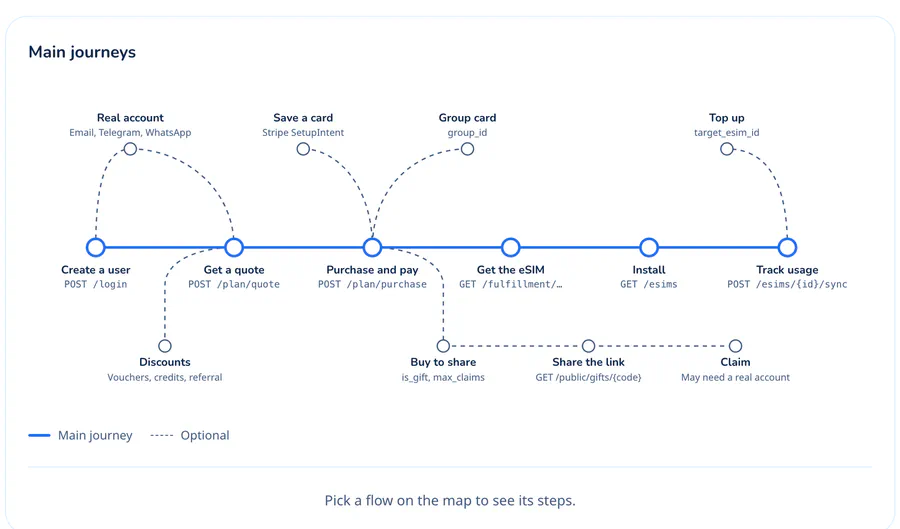
To purchase a shareable eSIM, create a quote with is_gift: true and set max_claims to a value between 1 and 20. Once the order is fulfilled, retrieve the claim_url from GET /gifts/sent. POST /rewards/voucher/redeem adds a voucher to the user’s account. A member of an Atli Group can quote with group_id and buy on the group’s card. partners.heyatli.com/dev/api maps each of these journeys step by step with code.
FAQ
Does the Atli API have an API key?
Do I need my own Stripe account?
GET /stripe/config, and card details go straight to Stripe, never to your servers or to the API.Can customers pay with Apple Pay or Google Pay?
How do I add data to an eSIM a user already has?
target_esim_id set to that eSIM and buy it as usual. The plan goes on the eSIM the user already has, so there is nothing new to install. If that eSIM’s network doesn’t sell the package, the API refuses it with incompatible_esim.What if the payment goes through but my fulfil call fails?
GET /fulfillment/status-updates until the eSIM appears.Where do I test without real money?
api-staging.heyatli.com, with Stripe’s test card 4242 4242 4242 4242, any future date and any security code. Sandbox has accounts of its own.