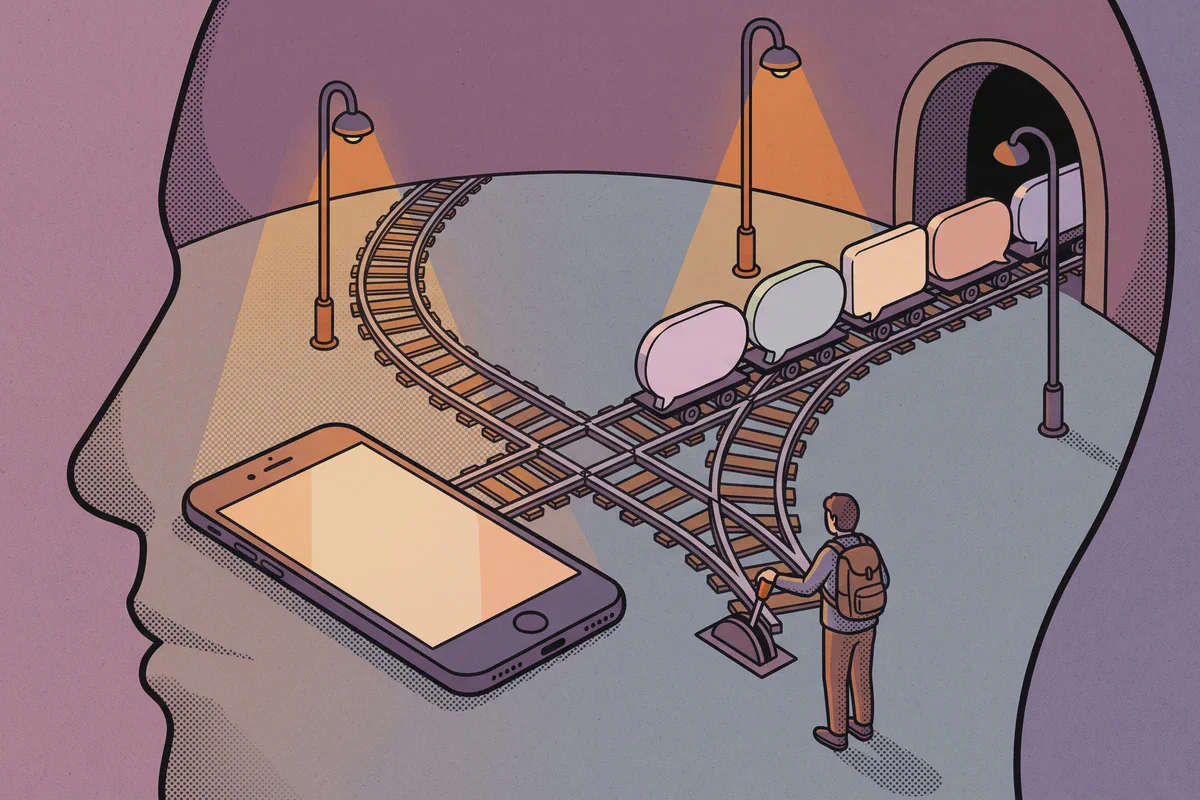
Most phones sold in the last few years can run two lines at once. That is what makes a travel eSIM worth having: your own number stays reachable while a second line carries the data at local prices, and you never choose between the two.
Who does what
Your home SIM handles your number, incoming calls, incoming texts and bank verification codes. The travel eSIM handles all mobile data: maps, messaging, browsing and calls made over WhatsApp or Telegram.
The phone runs both at once. A call can ring on your number while the eSIM is streaming your walking directions, and nothing has to be switched mid-step.
Setting it up
Do this at home on WiFi, before you fly.
- Install the travel eSIM. It arrives in the chat after you buy: tap the install button, scan the QR code, or enter the details manually in Settings.
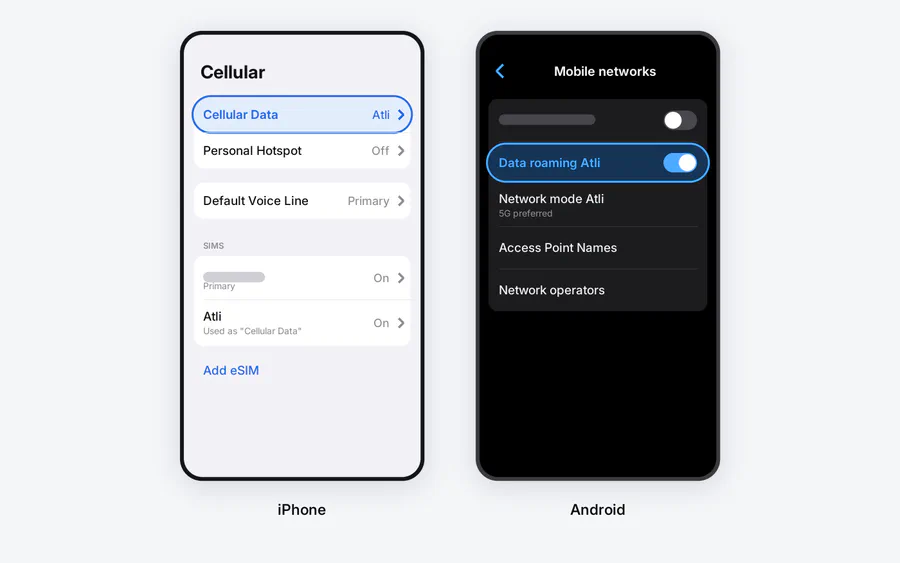
- Make the eSIM your data line. On iPhone, Settings, Cellular, Cellular Data, and pick the eSIM. On Android, Settings, then Network and internet or Connections depending on the make, then SIMs or SIM manager, and pick the eSIM for mobile data.
- Data roaming off for the home SIM, on for the eSIM. This pair of switches does the real work. A travel eSIM is always roaming by design, so it needs that switch on. A home SIM with roaming off cannot be billed for data, whatever your apps do in the background.
- On iPhone, turn off Cellular Data Switching. It sits on the Cellular Data screen. Apple says it lets the phone use data from both lines depending on coverage, so with it off, data stays on the eSIM.
- Label the lines. “Personal” and “Travel” makes every later menu readable.
If your phone cannot see the eSIM option at all, check whether it supports eSIM and is carrier-unlocked before troubleshooting anything else.
Will bank codes still arrive?
Yes. The code goes to your number, your number lives on the home SIM, and the home SIM is still switched on. That is the main reason this beats swapping in a local SIM at an airport kiosk: with your own SIM in a hotel drawer, the code arrives on a card nobody is holding.
But “still arrives” is not the same as “costs nothing”. Whether an incoming text is free depends on your carrier and your plan, not on the fact that you are abroad. Plans that include your destination usually cover texts. Older plans, entry-level plans and pay-as-you-go terms often do not.
Two things that do cost money on most plans:
- Calls you make, and texts you send, on the home line at your carrier’s roaming rates. Answering a call can cost too. Route conversations through WhatsApp or Telegram over the eSIM instead, where they use data you have already paid for.
- Voicemail retrieval, which several carriers bill as an outgoing international call even though it feels like listening to a message.
The one thing you should not do is delete or deactivate the home line to be safe. The saving is nothing and the cost is every code and call until you turn it back on.
When to switch the home line off anyway
There is a clean exception. If your carrier charges for received calls or texts, or you want a guaranteed zero bill, turn the home line off for the trip: Settings, Cellular or SIMs, tap the line, off.
Your number goes quiet until you switch it back. WhatsApp and Telegram keep working over the eSIM the whole time, because they are tied to your number rather than to the SIM carrying the data. What you lose is exactly the thing the setup existed to protect: SMS codes will not reach you. If your bank can send codes to an app or an email instead, set that up before you leave.
Coming home
Reverse the two switches: data line back to the home SIM, data roaming off for the eSIM.
Keep the eSIM installed. The next trip’s plan is added to the same eSIM automatically, so there is nothing to reinstall. Data plans expire; the eSIM profile itself stays on the phone.
For what a trip actually consumes, see how much data a trip really uses. If the eSIM connects but nothing loads, the eSIM no-data checklist works through it in order.
The plan you add next is a country choice rather than a phone one. The Spain guide shows the shape: the networks the plan actually uses, and what a week there costs in data.
Checked against Atli’s current setup flow and official Apple and Google dual-SIM guidance, August 2026. Home-carrier roaming terms vary by plan and change; confirm yours before travelling.