Atli Partners is a referral program for travel bloggers, content creators, tour operators, booking platforms and app developers. Eligible new customers referred through your partner code remain linked to your account, allowing you to earn commissions on their first eSIM purchase and subsequent purchases.
To get started, sign in at partners.heyatli.com, retrieve your partner code and share it through your preferred channels.
Customers can purchase data-only travel eSIMs for individual countries, regions or multiple destinations. Atli processes payments, delivers the eSIMs and handles customer support and refunds. Partners do not need to manage inventory or handle payment card information.
Getting your partner code
Visit partners.heyatli.com and select Continue with Atli. You can sign in using Google, Apple, Facebook, WhatsApp, Telegram or your email address.
Your partner account is created automatically when you sign in, with no separate application required. Your partner code and referral links are available on the Overview page.
Partner codes contain 6 to 16 characters and may include letters, numbers and hyphens.
You can change your code once every seven days from the Overview page. However, changing it immediately invalidates your previous code and any referral links containing it.
Choose your code before publishing your referral links. If you change it later, make sure to update any existing links on your website, social media or other channels.
Customers previously attributed to your account remain linked, and your referral statistics are preserved.
If the Overview says you have no partner code yet, write to [email protected].
What you earn
You earn commissions based on net sales generated by customers attributed to your partner account. Net sales are calculated after deducting refunds, and a refund takes back the commission recorded on that purchase.
Commission terms are assigned individually. According to Atli’s affiliate page, rates range up to 20% and increase for partners who generate significant sales volume. Terms can be a percentage of each purchase or a percentage with a minimum per purchase, and either can include a minimum order value below which a purchase earns nothing. Payouts are processed monthly.
Your dashboard tracks referrals and purchases even before your commission terms have been set. However, earnings will not appear until your terms are configured. Contact the Atli team at [email protected] to arrange them. Sales on Sandbox, Atli’s test environment, never earn commission.
The Statistics page displays referrals, purchases, refunds, sales, net sales and earnings, with daily, weekly and monthly views. Reporting uses UTC, so transactions may appear under a different calendar date from the customer’s local time.
Earnings are the commissions Atli recorded on each purchase under your terms, which are shown under the total. A refund is deducted in the period in which it was made.
The Sign-ups and Purchases sections provide referral and transaction records, including what each purchase earned you. Both can be exported as CSV files.
Your referrals pay the same prices as everyone else. If your code carries a discount, a new customer gets it on their first eSIM, and the Overview shows the percentage next to your code.
How customers are linked to you
Many affiliate programs use a limited attribution window, typically 30 or 90 days after a referral link is clicked.
Atli uses account-based attribution. Once an eligible customer signs in or makes a purchase using your referral code, that customer is linked to your partner account for future purchases.
- Customers are attributed to the first eligible partner code they use.
- Customers already attributed to another partner, or those with a previous Atli purchase, cannot be linked through a new referral code.
- Once attributed, customers remain associated with your partner account. Their subsequent eligible purchases across Atli channels count toward your referral earnings, even when they do not use your code again.
Referral links to heyatli.com containing ?referral= retain the partner code in the visitor’s browser for 30 days. The Atli widget retains referral information for 72 hours.
The Atli app, WhatsApp and Telegram can associate customers with your partner code before they complete a purchase:
- The app referral link opens Atli and associates the customer with your partner code. On Android, referral attribution can also be preserved through installation from Google Play. On iPhone, customers who install the app must enter your code during purchase to ensure attribution.
- The WhatsApp referral link opens a conversation with your partner code prefilled. Once the customer sends the message, the referral is registered and any applicable discount is added before plan selection. Our guide to buying on WhatsApp shows what they see next.
- The Telegram referral link starts the Atli bot and registers the customer under your partner code. The code does not need to appear in the conversation.
- A person can also type your code at checkout or send it to Atli on WhatsApp or Telegram. That links them the same way.
Referral discounts cannot be combined with vouchers. Your referral discount is applied first and takes priority over any voucher Atli would apply automatically. A customer who enters a voucher code at checkout receives the voucher instead of your discount.
Links you can share
The Ways to share section on your partner dashboard generates referral links containing your unique code.
| Opens | Link |
|---|---|
| Atli website | https://heyatli.com/my/purchase?referral=YOUR_CODE |
| Atli app | https://app.heyatli.com/c/YOUR_CODE |
| Atli chat on the web | https://chat.heyatli.com/r/YOUR_CODE |
https://wa.me/14244453187?text=YOUR_CODE | |
| Telegram | https://t.me/AtliEsimBot?start=ref-YOUR_CODE |
| Atli widget as its own page | https://embed.heyatli.com/?referral=YOUR_CODE |
| AI assistants | https://mcp.heyatli.com/r/YOUR_CODE |
You can append ?referral=YOUR_CODE to any heyatli.com page. For example, a travel article about Japan can link directly to the Japan eSIM plans using https://heyatli.com/esim-japan?referral=YOUR_CODE.
Vouchers for your audience
Your account manager can create promotional vouchers for product launches, events and seasonal campaigns. You can submit a voucher request directly from the Vouchers page.
Vouchers may provide a fixed discount, a percentage discount or additional Atli Credits. Percentage discounts can also have a maximum value.
Voucher eligibility can be configured based on the following conditions:
- new customers only, or anyone
- a first order, or any order
- orders above a minimum
- one or more channels: the Atli app, the website, WhatsApp or Telegram
- plans for chosen destinations
- a number of uses per customer and in total
- a start and an end date
- people you invite by email address, email domain, WhatsApp number or Telegram username
Each voucher includes a Get link option that generates promotional links for the Atli chat, WhatsApp and Telegram.
Verified partners also have access to the Redemptions page, which tracks voucher usage and shared eSIM claims among their referrals. Contact your account manager to request verification.
Shared eSIMs for giveaways and events
A shared eSIM is a prepaid travel data plan that can be distributed through a link. It’s useful for giveaways, promotional campaigns and events.
Eligible recipients who claim the eSIM through your shared link are attributed to your partner account, just as they would be through a standard referral link.
To create a shared eSIM, select a plan in the Atli store and choose To share during checkout. You can specify the number of recipients, up to a maximum of 20 per link. Your account manager can also arrange shared eSIMs for promotional campaigns.
The Share eSIM section of your dashboard displays your shared links, the number of claims and their expiration dates.
Atli Groups is designed for businesses that want to cover their employees’ travel data expenses. Authorized members can purchase eSIM plans using a shared company payment method, with spending limits controlled by the administrator.
Choosing how to sell
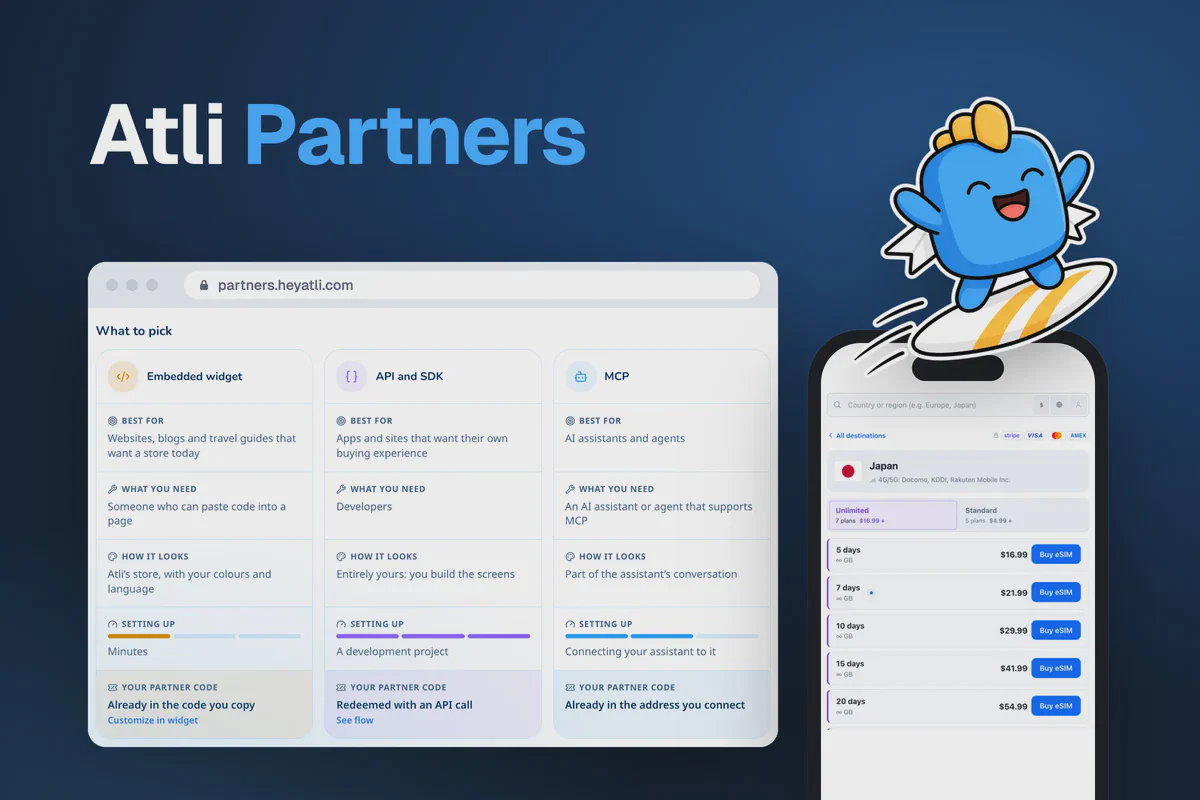
| Method | Suits | You need | Where people buy | Your code goes |
|---|---|---|---|---|
| Links and your code | Newsletters, videos, social posts, chat groups | Nothing | Atli’s website, app or chats | In the link |
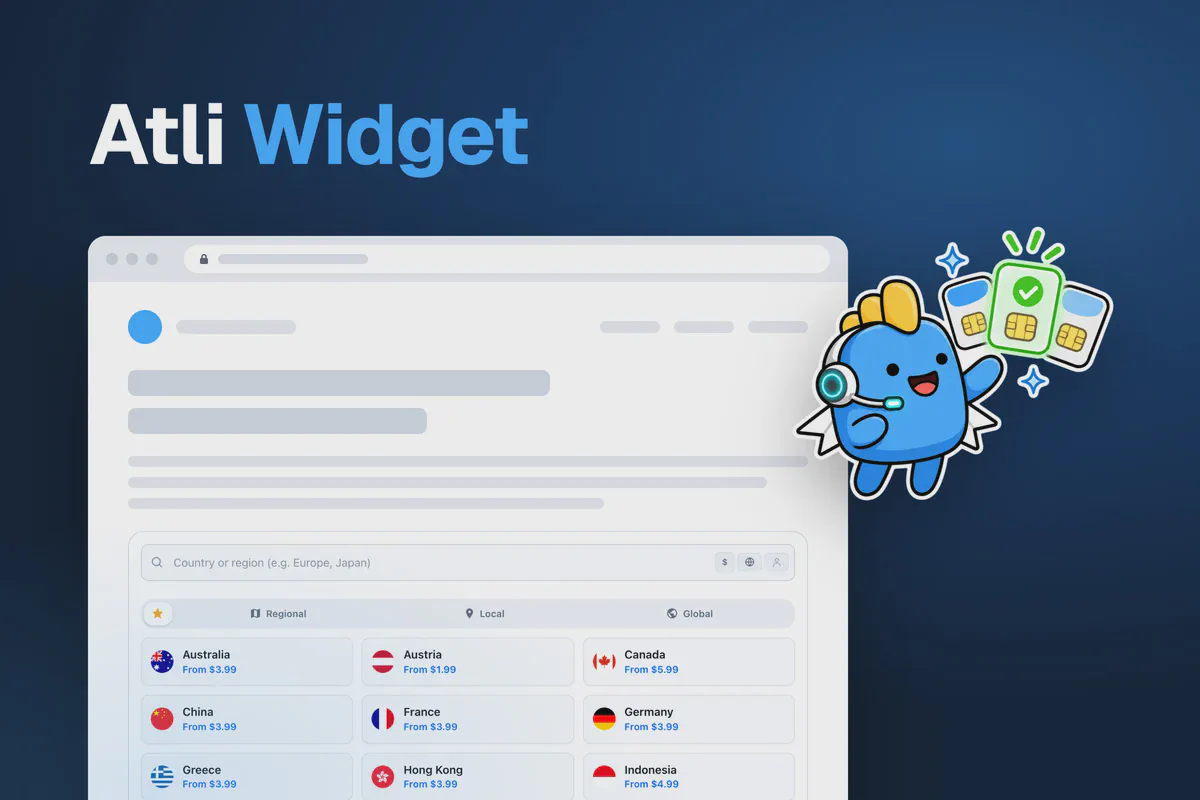
| Atli widget | Websites, blogs and destination guides | Basic HTML access | Atli’s store inside your page | In the script tag |
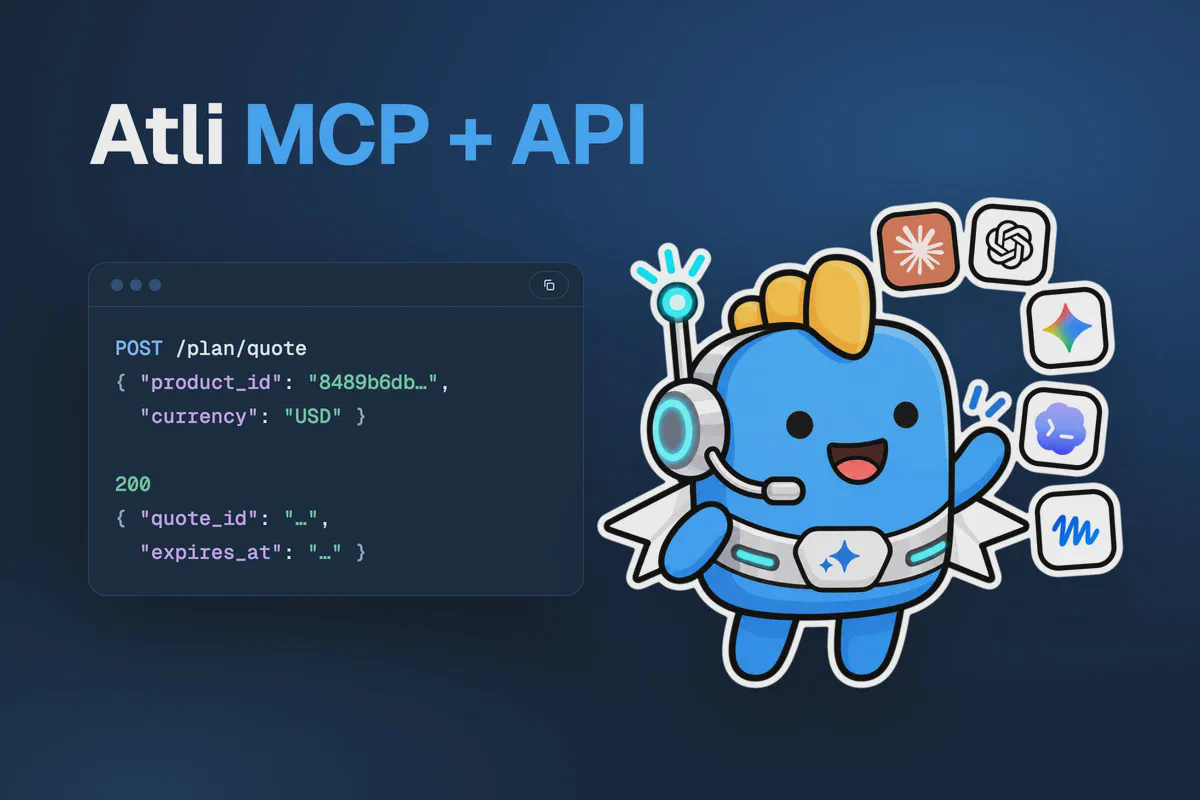
| Atli API | Apps, websites and bots with their own screens | Developers | Your website or app interface | One API call per new user |
| Atli MCP server | AI assistants and agents | An assistant that supports MCP | Inside the conversation | In the server address |
For most websites, referral links and the Atli widget are the simplest options. Both require minimal technical setup.
The Atli API is better suited to teams developing and maintaining their own purchase interfaces. The MCP server is intended for AI assistants and applications that use conversational interfaces.
You can use multiple integration methods with the same partner code. Each customer is attributed only once, preventing duplicate referral records.